
Meetings&phone calls
Convert recorded conference audio files into searchable, structured meeting notes, and action items.
Simply Upload Audio file and get up to 99% with free Audio Transcriber Al. No sign-up, Unlimited and works with 120+ languages.
Audio Transcriber AI is a free online tool that turns audio into clear, accurate, readable text. It works with MP3 files, meeting recordings, interviews, podcasts, voice notes, and audio from YouTube, Zoom, and MP4 videos. Just upload your file to get a transcript in seconds, making it easier to review conversations, organize notes, and capture important details. It runs directly in your browser with no download or installation needed, and it’s free to use for study, work, research, and content creation.
Transcribe Audio Free Now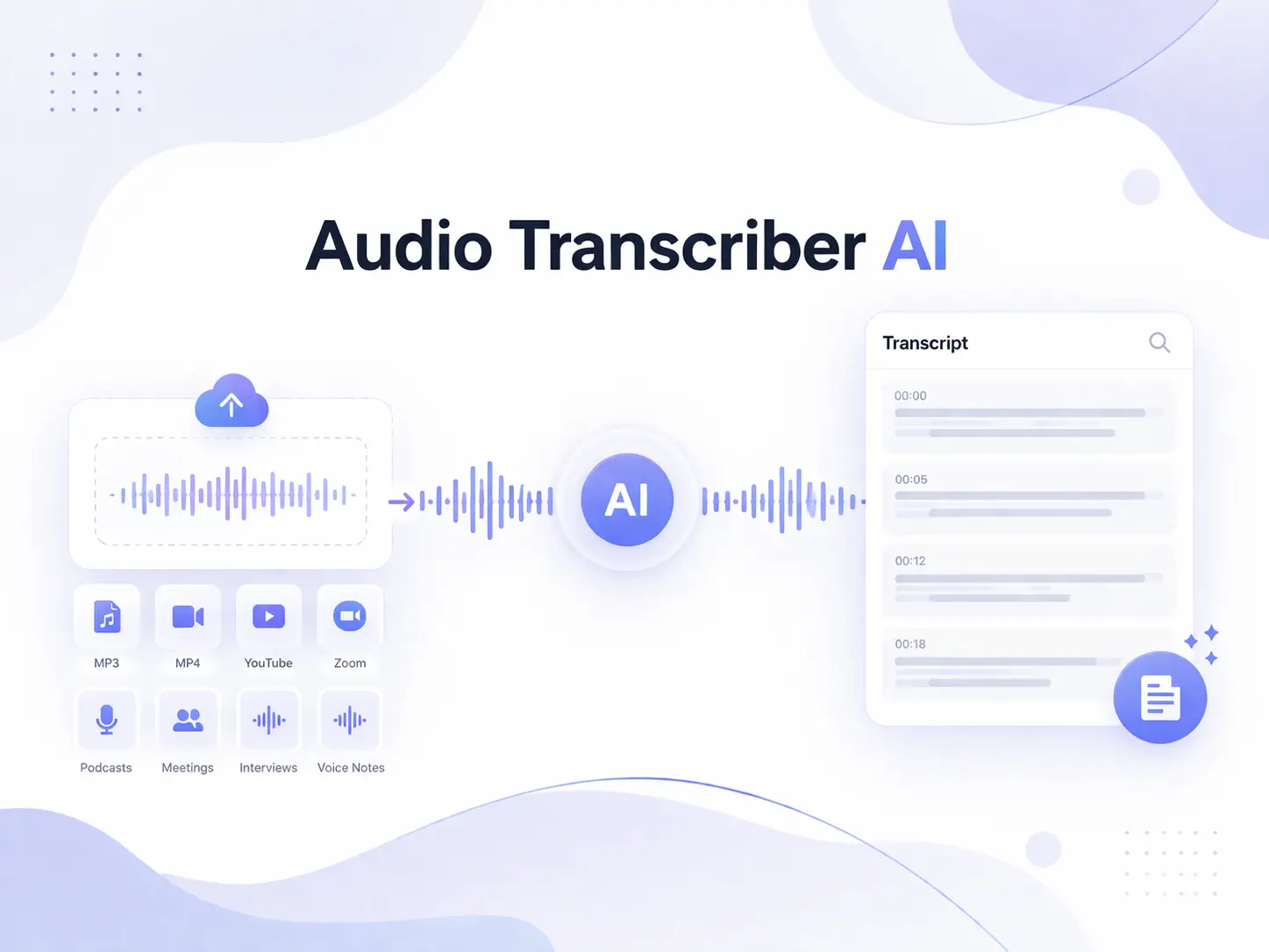
Audio transcription presents a challenge because spoken language is often not as clear, standardized, or structured as written language. In real-world conversations, audio content is easily influenced by a multitude of factors, such as background noise, overlapping speech, heavy accents, rapid speaking rates, and the inclusion of filler words, slang, or even specialized jargon, all of which increase the difficulty of accurately converting audio into text. This is particularly true in settings such as meetings, interviews, or group discussions, where accurately identifying "who said what, and when" is, in itself, no easy feat. While Audio Transcriber AI can significantly boost transcription efficiency and processing speed, achieving a high level of accuracy still depends largely on the clarity of the original audio, the ability to distinguish between different speakers, and a comprehensive understanding of the contextual nuances.
Try Free Audio Transcriber Now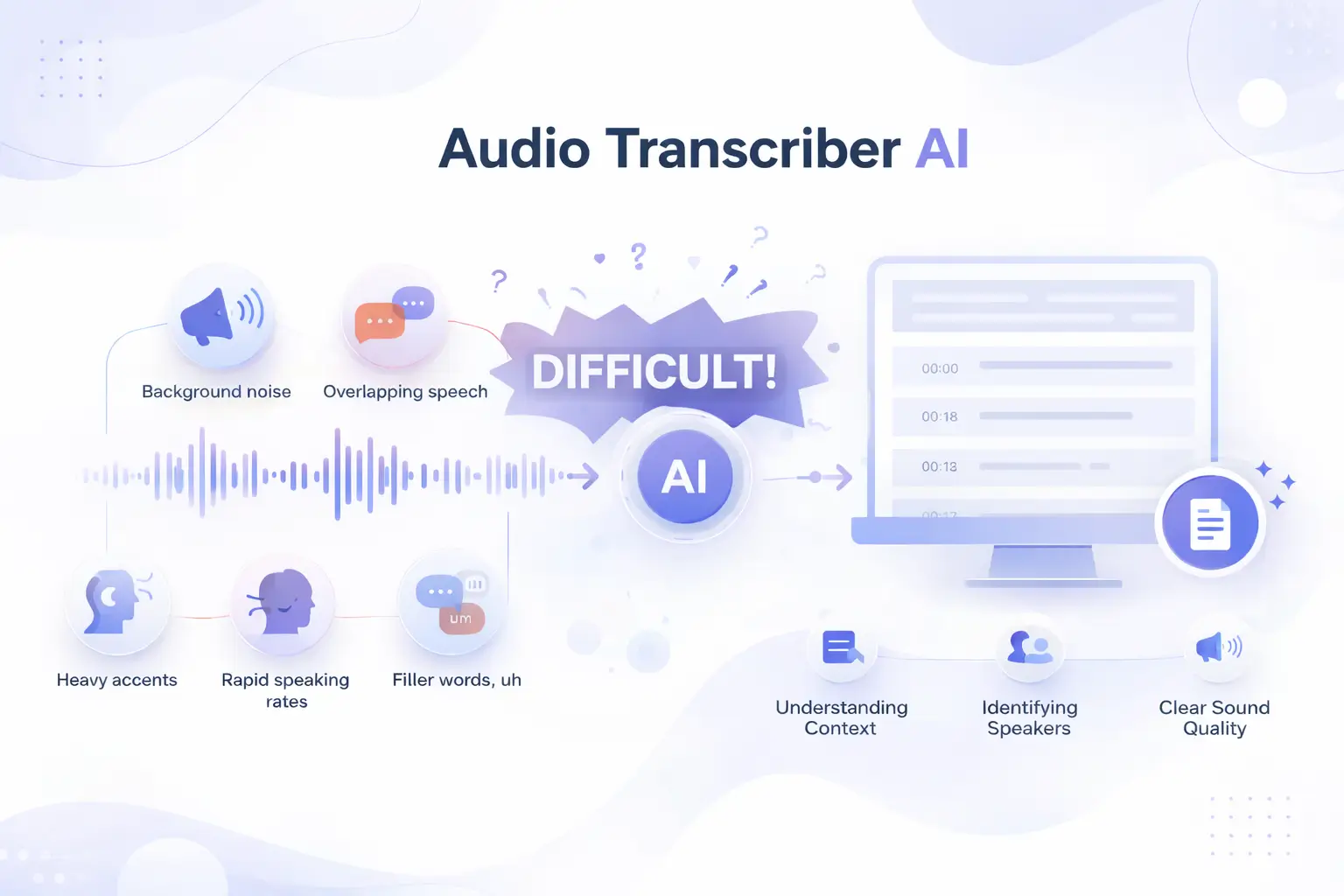
Upload audio files up to 5GB for transcribing audio to text, it's easy to handle long podcasts, extended meeting recordings, lectures, and interviews for saving time.
Supports a wide range of audio file formats, including MP3, WAV, M4A, AAC, FLAC, OGG, WMA, AIFF, and more, without the need for format conversion.
Powered by advanced transcription models, it can automatically reduce background interference and better understand the context and meaning of spoken content.
Audio Transcriber AI offers a completely free experience with no registration, no setup, and no usage restrictions. Simply open it in your browser and start transcribing.
Transform audio file into structured, timestamped text instantly, powered by these standout features.
The free Audio Transcriber AI supports a wide range of audio formats, including but not limited to: MP3 files, voice recordings, podcasts, interviews, and audio extracted from YouTube, Zoom, or MP4 videos. You need not worry about file format incompatibility; you can handle your files with complete flexibility.
Transcribe Audio File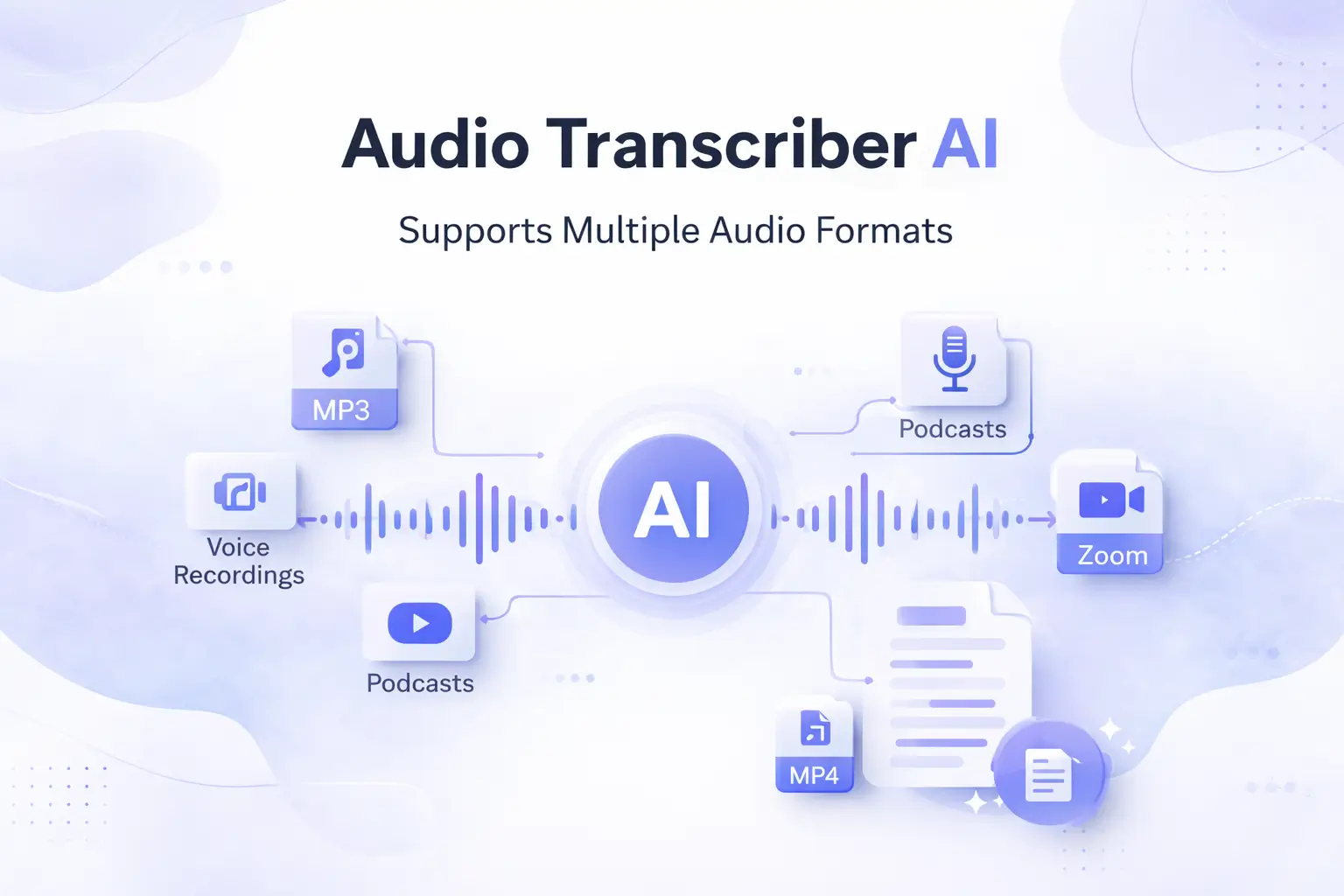
Our free Audio Transcriber AI tool automatically detects different speakers and produces complete, timestamped transcripts. Whether it is a meeting, interview, podcast, or group discussion, you can effortlessly see who said what and when, eliminating any confusion and making it easier to review, highlight, and organize
Free Transcribe Audio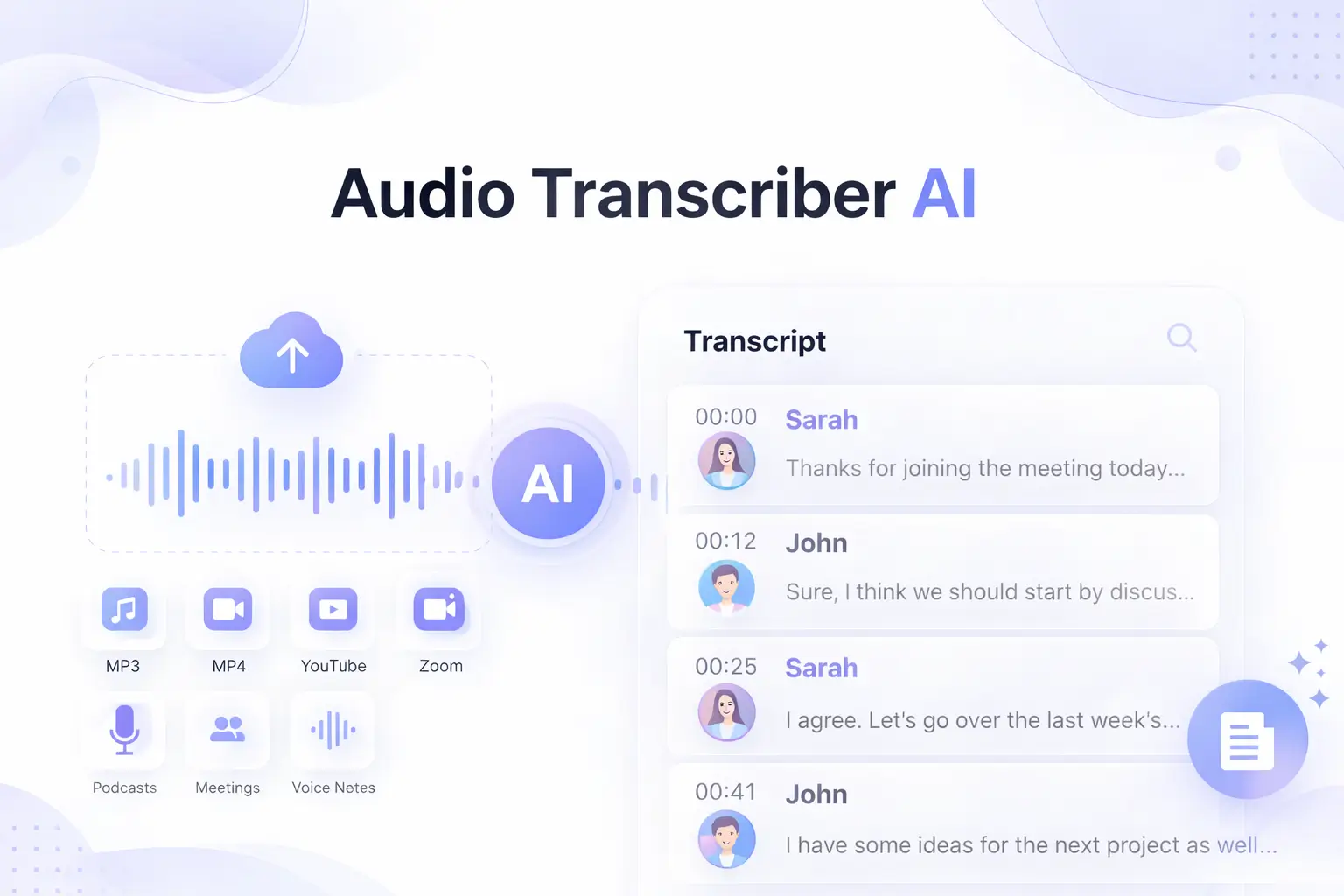
To make knowledge accessible across languages, Audio Transcriber AI supports over 120+ widely used international languages. You can upload audio in any language or extract audio from YouTube and Zoom in other languages, transcribe audio file to text, and then translate the transcript into the language that suits your reading preferences.
Transcribe Audio Text Free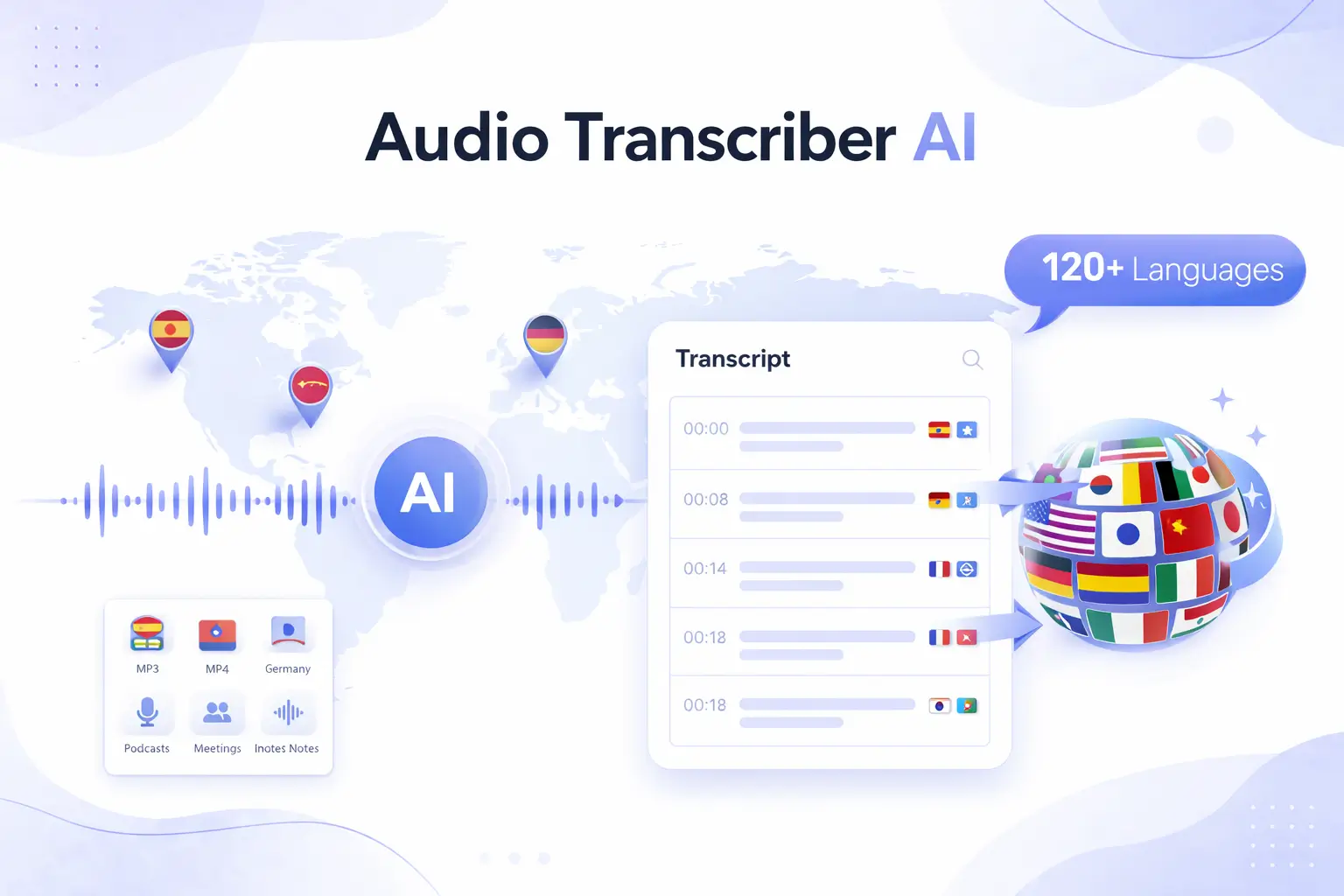
Using the free Audio Transcriber Al is incredibly simple, with just a few clicks, you can transcribe an audio file into text.
Upload the audio file you want to transcribe to the free Audio Transcriber AI. Supported formats include MP3, voice recordings, podcasts, and more.
The AI will begin transcribing your audio automatically, identifying the spoken content and distinguishing between different speakers during the process.
Download your full transcript as a TXT or Word document and use it in your daily workflow.
Get fast, accurate transcriptions in 120+ languages with free Audio Transcriber AI. free, easy to use, and ideal for meetings, interviews, podcasts, and more.
Generally, the usage scenarios of audio transcription tools include but are not limited to the following aspects.
Convert recorded conference audio files into searchable, structured meeting notes, and action items.
I can't go to a well-known interview, but I found the recording of the interview, which can be converted into text for use in news and industry research.
The audio saved is not visible and needs to be listened to again. You can reposition each episode as program notes or feature articles.
Convert the lecture files of live celebrities into text so that you can extract key information from one transcript instead of re listening.
After too long, I don't know what the content of the voice memo is. Quickly convert the voice memo into understandable text.
Extract audio from YouTube to MP3 and convert it into easy to understand text for subtitles or quotes in your own work.
Several years ago, I attended a two hour in person lecture. I recorded it at the time, and recently I wanted to review the material again, but I didn't want to listen through the entire recording from start to finish. After using Audio Transcriber AI, I was able to transcribe the entire audio into text with just a single click, saving me a tremendous amount of time.

Emma Johnson
University Student
During a recent project wrap-up meeting, I found it difficult to recall many of the details from our earlier requirements discussions, as quite some time had passed since the project officially kicked off. Fortunately, I discovered Audio Transcriber AI, which instantly converted over two hours of meeting audio into a transcript and provided an easy-to-understand meeting summary.

Olivia Brown
Project Manager
When I wanted to revisit podcasts I had previously bookmarked, I found that listening to them one by one was a huge waste of time and extremely inefficient. Consequently, I downloaded the audio files and transcribed them into text with Audio Transcriber AI, this process that boosted my efficiency by 10x.

Liam Smith
Podcast Listeners
To generate content ideas and drive traffic, I frequently need to review vast amounts of video and audio material—a process that previously involved manual transcription. Since I started using this audio transcription tool, I have saved a tremendous amount of time. As a result, my content topics are now much more aligned with current trends.

Sophia Wilson
Marketer
I am an online podcast creator. Since I am constantly preparing topics for my show, I listen to a vast number of high-quality podcasts to gather ideas; however, listening to them one by one is inefficient and incredibly time-consuming. After discovering this AI audio transcription tool, it took over the bulk of this workload, allowing me to focus my energy on the creative aspects of podcast production.

Noah Davis
Content Creator
This AI audio to text tool is fast, accurate, and easy to use. It makes converting lectures and webinars into editable transcripts effortless, which I can export for notes, presentations, or subtitles. A perfect solution for saving time and improving audio content accessibility.

James Miller
Online Instructor
Explore the quick answers below to clear up any questions you may have. If you still need help, feel free to reach out to our support email.