
No—traditional cloud-based converters typically impose file size limits (usually 100MB or 1GB) because large video files consume significant server bandwidth and storage space. However, the MP4 to MP3 converter provided by Audio Transcriber AI has absolutely no file size limits; you can simply upload your files directly.
Instantly Convert MP4 to MP3 Online
100% Free & Secure. No sign-up. No Pop-Ads. Unlimited file size. Privacy Guaranteed: Your files never leave your device.
Upload a video file to extract audio
Drag video here or click to upload
MP4, AVI, MOV, MKV, QuickTime, M4V
Choose a video template
More Tools
Whenever I see a very catchy music on YouTube or TikTok, I download it as an MP4 video file and then manually edit and export the MP3 file using tools. When I encountered this MP4 to MP3 converter, it directly supports automatic audio separation, which is great and worth recommending.
How to Use MP4 to MP3 Converter?
01
Upload Your MP4 File
Click to Upload Your MP4 file
02
Convert to MP3
Click to convert MP4 to MP3
03
Download Your MP3
Click to download the MP3 file
Free MP4 to MP3 Converter Online
Effortlessly extract audio from MP4 video files and export it directly in MP3 or other audio formats.
Try Upload Video Now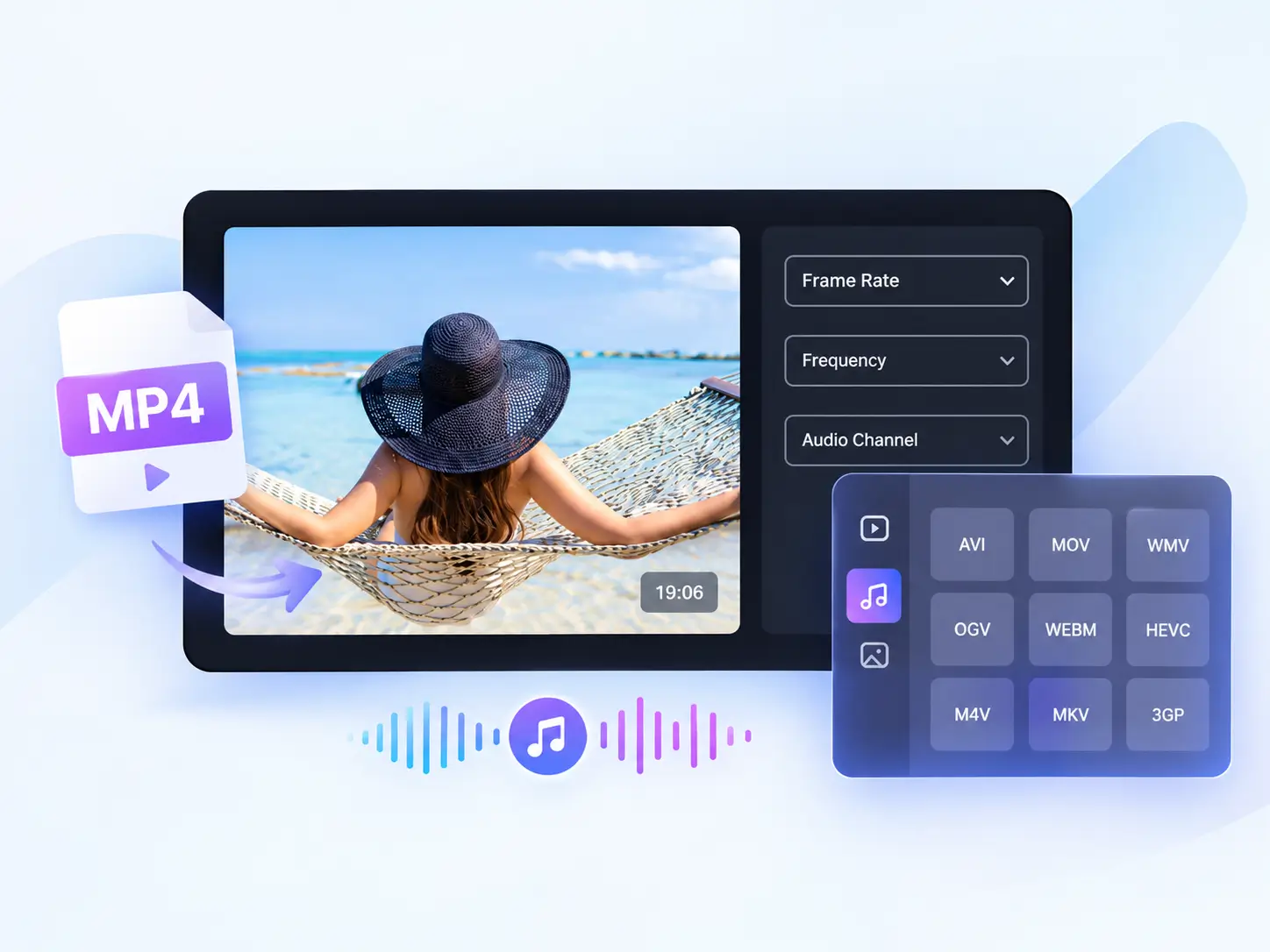
Why Choose Our MP4 to MP3 Converter?
Over 3 million users have chosen our MP4 to MP3 converter, primarily for the following reasons:
High-Quality 320kbps Audio
The output MP3 quality reaches up to 320kbps, ensuring you experience the very best audio fidelity.
100% Free & 100% Secure
Completely free with absolutely no restrictions. All processing is performed locally on your device, so your data is never uploaded.
Super Easy to Use
Convert your files with just a few clicks—our MP4 to MP3 converter requires no complex procedures.
No Intrusive Pop-up Ads
We guarantee an ad-free experience—no distracting Google pop-ups—so you can stay focused.
Lightning-Fast Conversion
Even massive MP4 files can be converted in just a matter of seconds.
Batch MP4 Conversion
Simply upload multiple MP4 files simultaneously to boost your conversion efficiency tenfold.
feature
Who Is Using Our Free MP4 to MP3 Converter
Trusted by students, creators, and professionals to turn MP4 into HQ MP3 audio for free.
Podcasters
Easily extract background music, sound effects, or vocal tracks from video clips to repurpose them in your own podcast episodes.
Students & Professionals
Convert lengthy lecture videos or Zoom meeting recordings into portable MP3 files for easy review and listening—anytime, anywhere.
Music Enthusiasts
Transform live concert footage, music clips, or cover performances into high-quality MP3 audio files for offline playback on the go.
Social Media Creators
Extract audio directly from downloaded TikToks, Instagram Reels, or YouTube Shorts to save and curate trending sound effects.
FAQs of MP4 to MP3 Converter
Find answers to common questions about Audio Transcriber AI's MP4 to MP3 Converter below. Need more help? Our team is just an email away.
Ready to Turn Your MP4 into MP3 Audio?
Extract HQ audio from your MP4 videos in seconds. No complicated software or editing skills required.
Super Easy to Use
HQ Audio Quality
100% Free & Secure