4.9 (7,106)
⭐⭐⭐⭐⭐
The smartest and free voice to text tool online, fast, and accurate enough to replace your keyboard, No download and No sign-up required. Trusted by over 2M+ users worldwide, Supports 100+ languages
When you're attending a meeting, on a phone call, or handling lengthy recordings, stop letting typing distractions cause you to miss important details. In just seconds, our AI voice-to-text converter transforms your audio into clear, well-structured notes. Use the Android voice to text & iPhone voice to text built-in features to capture fast, accurate recordings anytime, anywhere, then simply upload your audio files to instantly receive ready to use text.
Try Upload Voice Recordings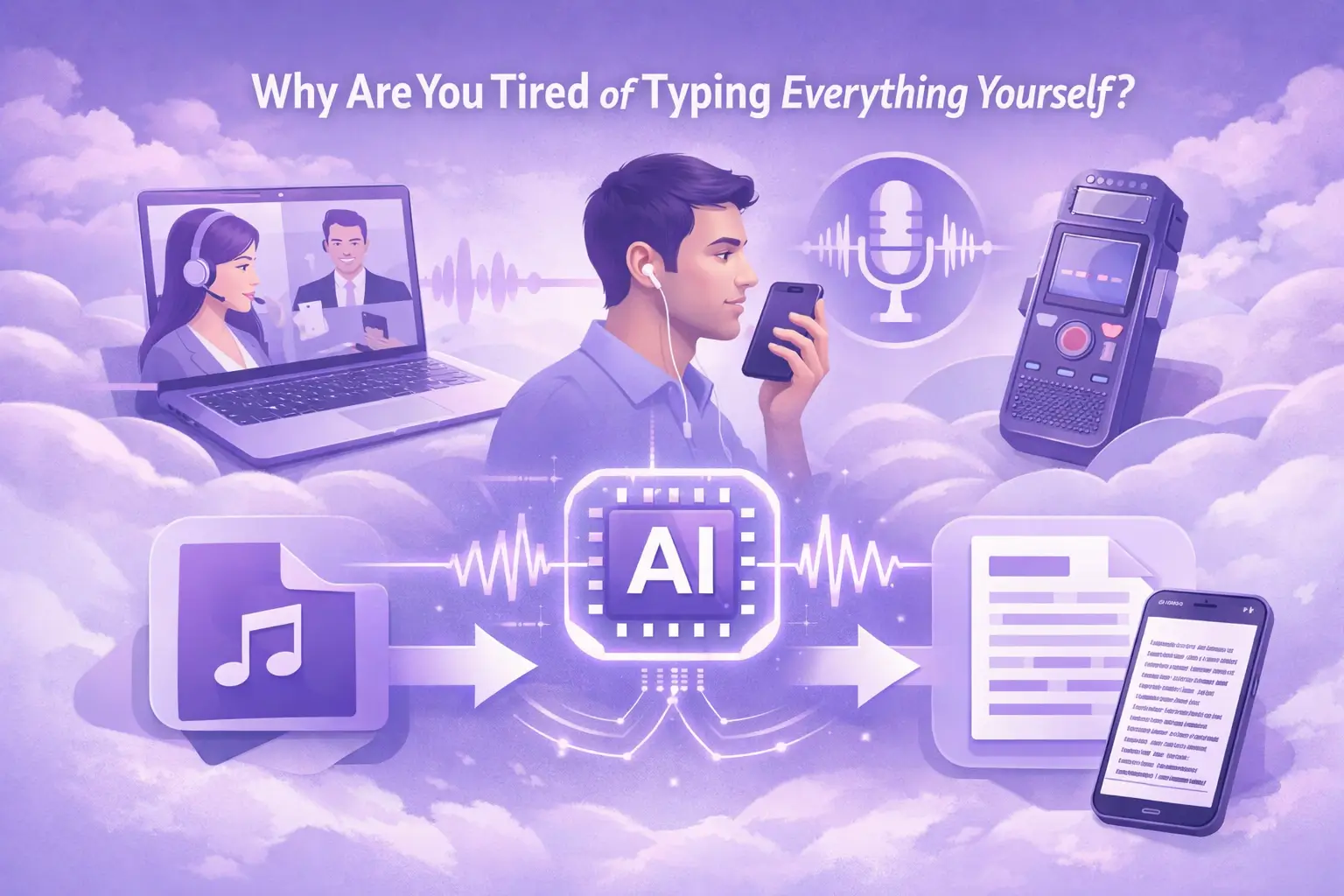
Whether you need to voice to text online free, dictate notes on the go, or convert a voice message to text on Android, this tool handles it all.
With absolutely no extra costs involved, our voice tool is completely free to use—and requires no registration or login.
Turn rambling ideas into organized, readable notes automatically. Perfect for students, writers, and busy professionals who think faster than they type.
Use it as a voice to text online tool on your browser. No app, no install. Works on Mac voice to text, Windows voice to text, and all major mobile platforms.
Our free AI voice text to speech engine is trained on billions of words. It understands accents, technical terms, and everyday speech better than native keyboard shortcuts.
After uploading your voice, simply click, and the AI will automatically transcribe the voice into text, supporting over 100 languages.
Uploaded file data will be permanently deleted after 24 hours and will not be shared with any third parties. We guarantee that your data remains 100% secure.
1
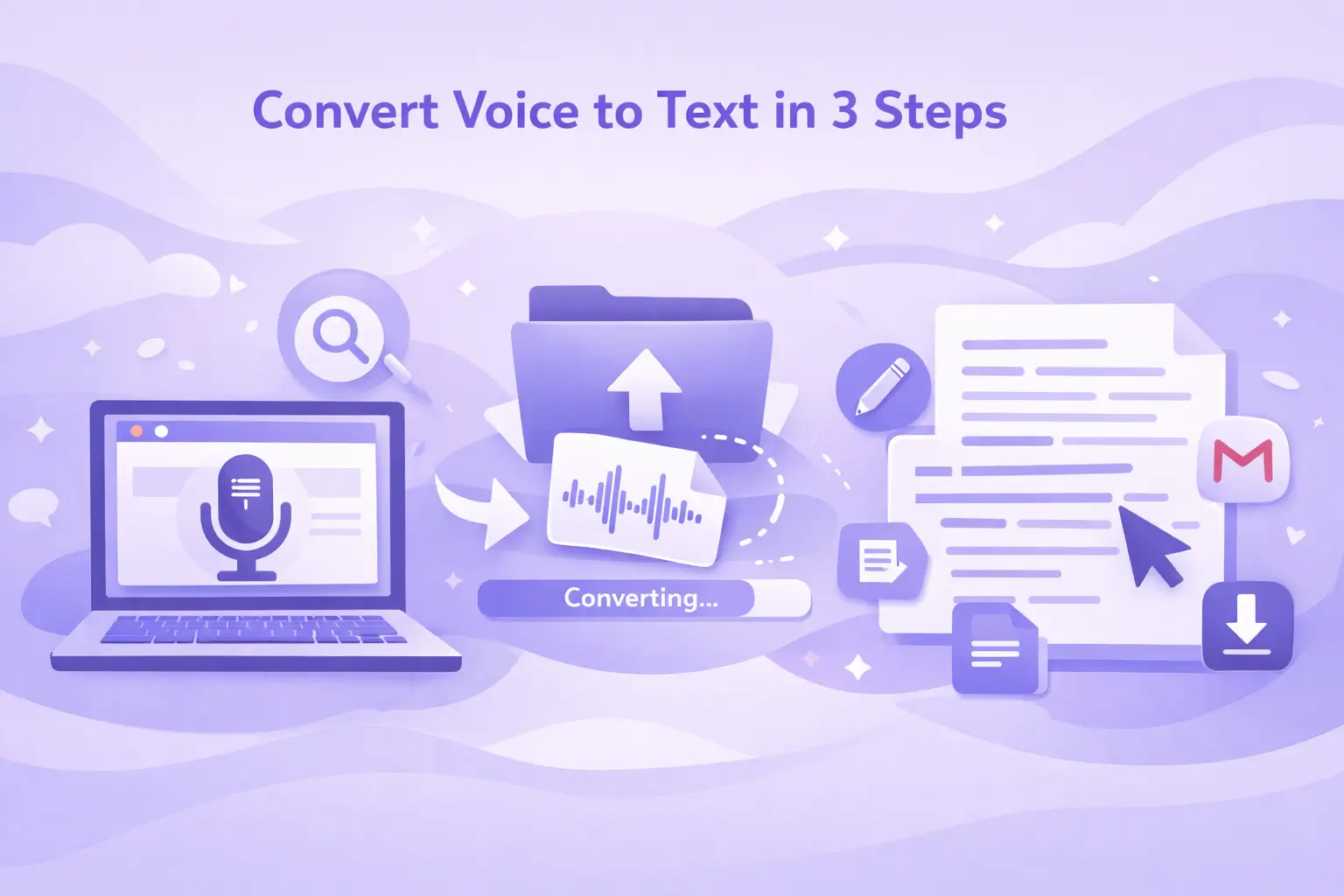
No account needed. open our free voice to text tool and find your voice file.
2
Upload your audio file to the converter, then click the button to start converting it to text.
3
Your text is ready in seconds. Use it as voice to notes, paste into Google Docs, send as an email, or export as a file.
Whether you're speaking one language or mixing several, our voice to text tool can accurately recognize your speech and turn it into text, with fewer errors and missing words.
German



English




Spanish



French


Italian

Dutch

Polish

Portuguese


People from all walks of life use voice to text to turn their words into text. Start using it today and get more done with less effort.
Exceptional 4.9 rating
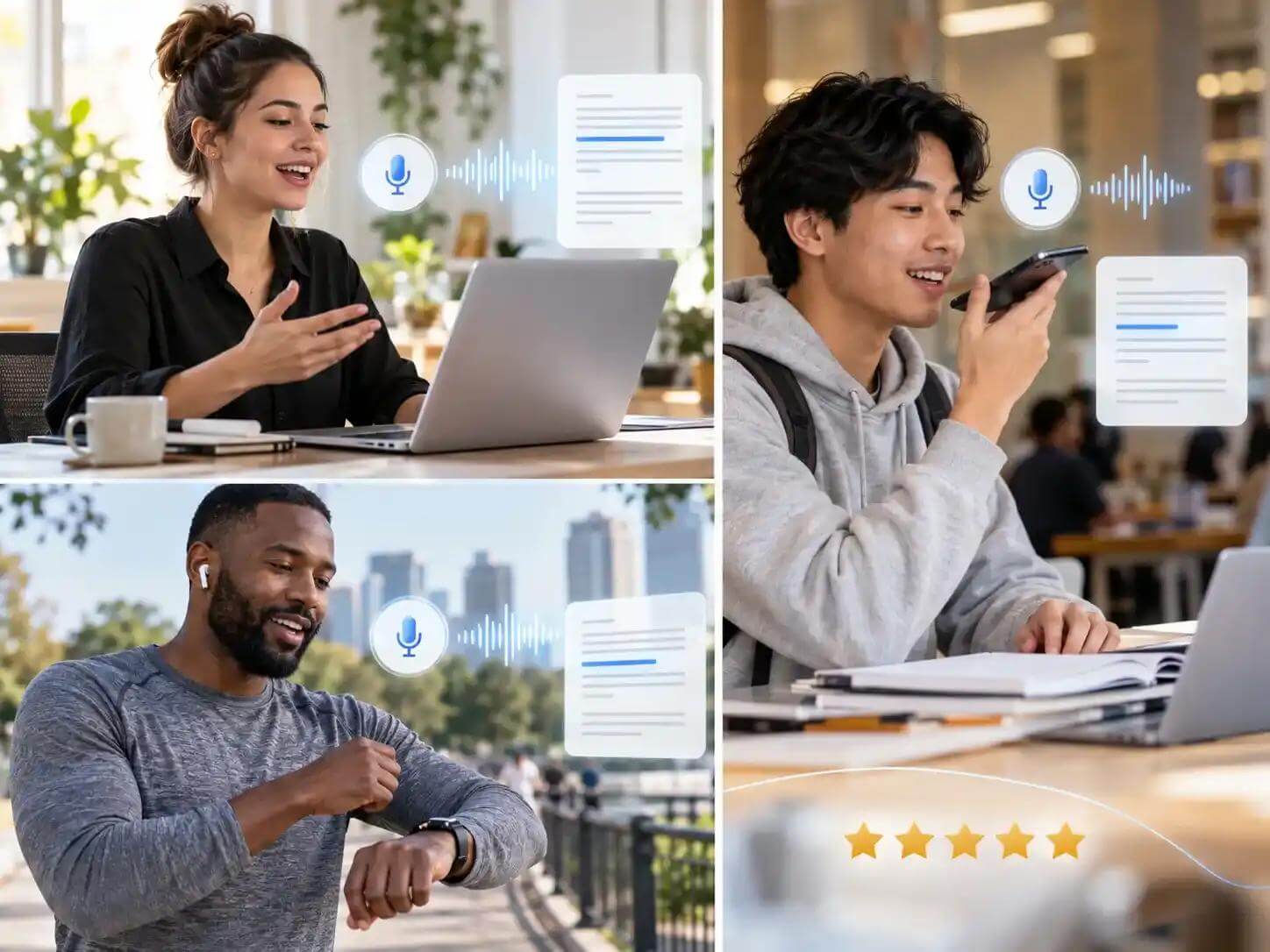
“I interact with numerous clients and make calls every day. I simply didn't have the energy to quickly take notes and process what my clients were saying. Thanks to this voice to text converter tool, I can now upload my client recordings one by one and have them transcribed into clear, readable text.”
“I was on the lookout for voice to text software for my team. When it comes to ease of use, accuracy, and the advantage of being completely free, no other product even comes close.”
“As a student with hearing and speech impairments, discovering this free voice to text tool has completely transformed my life. I can now upload recordings of my classes and lectures and have them instantly converted into clear text; I can finally keep up with my coursework without any stress.”
If you have any further questions about our voice to text converter, please feel free to contact us.
Turn what you say into text in seconds and make everyday tasks a little easier. Try it for free today.