
A Video to MP3 converter is a tool that allows you to turn any video into high-quality MP3 audio. Audio Transcriber AI’s Video to MP3 converter makes it free, fast, and easy to extract audio from YouTube, TikTok, or local video files—no software or account required.
Video to MP3 Converter Online Free
Convert video to MP3 online in seconds. Extract high-quality audio instantly with our free browser-based converter—no installation or signup required.
Upload a video file to extract audio
Drag video here or click to upload
MP4, AVI, MOV, MKV, QuickTime, M4V
Choose a video template
More Tools
Want to extract audio from any video in seconds?
Our Video to MP3 converter makes it easy to turn any video into clean, high-quality audio in seconds. Simply upload your file and extract audio instantly—perfect for saving music, lectures, podcasts, and more.
Convert to MP3 Now >>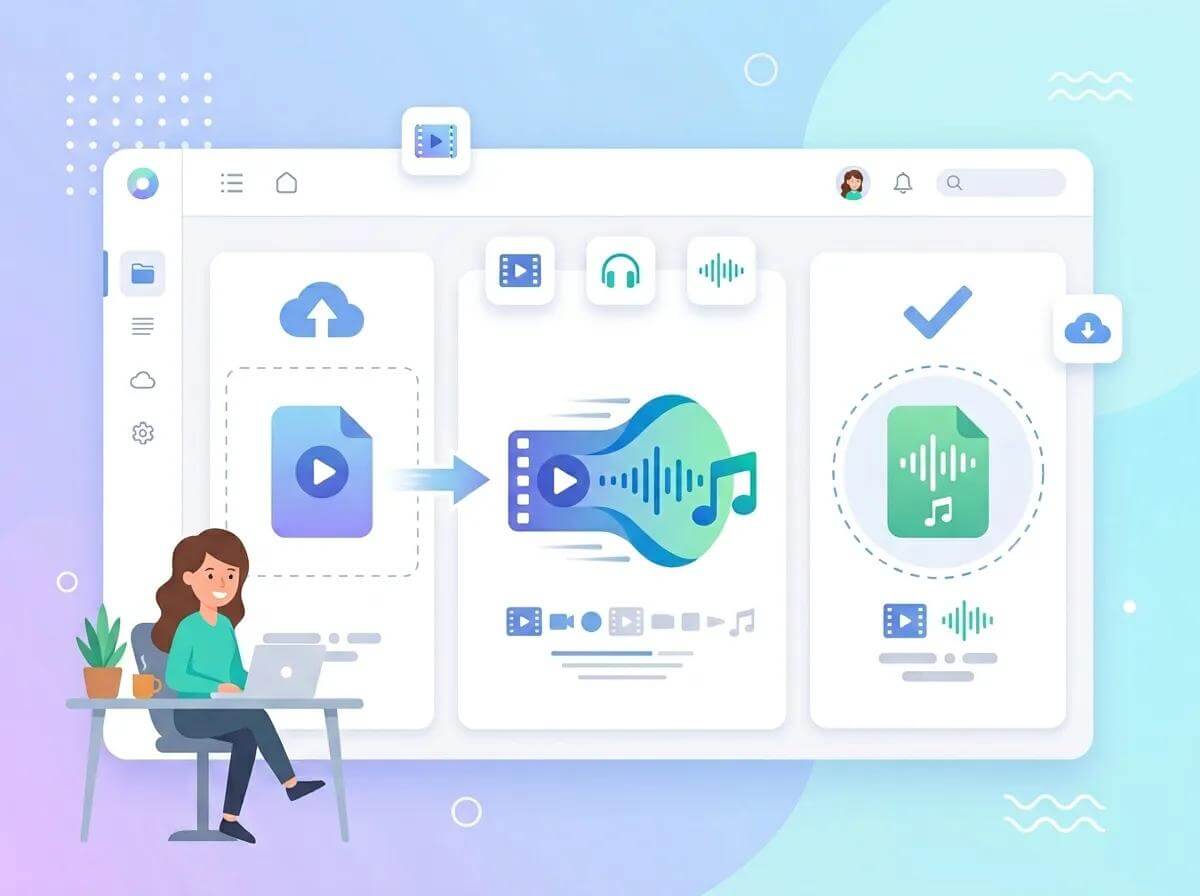
Why Choose Our Video to MP3 Converter?
Audio Transcriber AI goes beyond a basic Video to MP3 converter. It lets you extract clean, high-quality audio from any video in seconds—perfect for listening, saving, or reusing your content.
Supports Videos from Multiple Platforms
Convert videos from popular platforms or your device into high-quality MP3s in seconds.
Lossless Audio Output
Get clear, consistent MP3 files ready for listening, downloading, or reuse across your projects.
Fast and Reliable Processing
Get your video to MP3 in seconds. Our tool handles files of any size quickly, so you can extract audio without waiting.
100% Free Unlimited Use
Convert as many videos as you want, whenever you need, with no limits or restrictions.
Convert YouTube Videos to MP3 for Offline Listening
Extract audio from YouTube videos, music videos, live performances, or short clips and save them as high-quality MP3 files. Build your own playlists and take your favorite tracks with you anywhere—whether you're traveling, commuting, or listening offline. It’s a simple way to turn video into a personal music library you can access anytime on any device.
Convert YouTube Video to MP3 >>
Convert Lectures to MP3 for Flexible Learning
Turn online courses, recorded lectures, and educational videos into clear MP3 audio for more flexible learning. Listen while commuting, exercising, or doing daily tasks, and revisit important content without needing to watch the screen. This makes it easier to stay focused, review key ideas, and fit learning into your schedule.
Convert Lectures to MP3>>
Extract Audio from Video for Creative Projects
Convert video to audio for editing, remixing, or content creation. Whether you're producing podcasts, creating short-form videos, or managing social media content, you can quickly extract and reuse audio as ready-to-use material. It streamlines your workflow and gives you more flexibility across different platforms and projects.
Extract Audio from Video >>
How to Turn Video into MP3 in Seconds
Turn video into MP3 online in just a few clicks, including YouTube to MP3 .
01
Upload Your Video
Upload your video file from your device to get started. Our Video to MP3 converter supports a wide range of formats, so you can begin instantly without extra preparation.
02
Convert to MP3
Click the convert button and let the tool handle the rest. It automatically extracts audio from your video and turns it into a high-quality MP3 file in seconds.
03
Download Your MP3
Once your file is ready, download your MP3 instantly. Save it to your device and use it anytime for listening, learning, or content creation.
What Our Users Say
I use it to quickly pull audio from interviews and video clips. It’s really handy when I just need the audio file.

Emily C.
Journalist
I often turn lecture videos into MP3 so I can study on the go. Listening instead of watching makes it much easier to go over key points during my daily routine.

David L.
Student
I use this Video to MP3 tool to extract audio for my content projects. It helps me quickly reuse sound from videos and create drafts for podcasts and short-form content.

Sarah K.
Content Creator
Video to MP3 Converter FAQs
Have questions about converting video to MP3? Find quick answers below, or contact us anytime if you need more help.