
AI voice cleaner helps improve your audio by removing unwanted noise, reducing distractions, and making voices clearer. It turns messy or unclear recordings into cleaner, more natural-sounding audio without the need for complicated editing.
Free AI Voice Cleaner - Get Studio-Quality Audio Online
Remove background noise, breath sounds, and mouth noises with one click. Enhance your audio quality and enjoy clear, studio-like sound with our free AI voice cleaner.
Upload an audio file.
Supported formats: MP3, WAV, M4A, AAC, FLAC, MP4, MOV, AVI, MKV, WEBM, up to 100 MB
Recent Voice Cleans
No Voice Cleaner history yet.
History is kept for 48 hours.
More Tools
Why You Need an AI Voice Cleaner?
Is background noise distracting your podcast listeners? The issue may not be your content, but the recording environment, microphone quality, or other factors that affect sound clarity. You don't need to spend a fortune on a professional studio. With our AI voice cleaner, you can easily remove unwanted sounds, improve voice clarity, and make your recordings sound cleaner.
Clean Voice for Free >>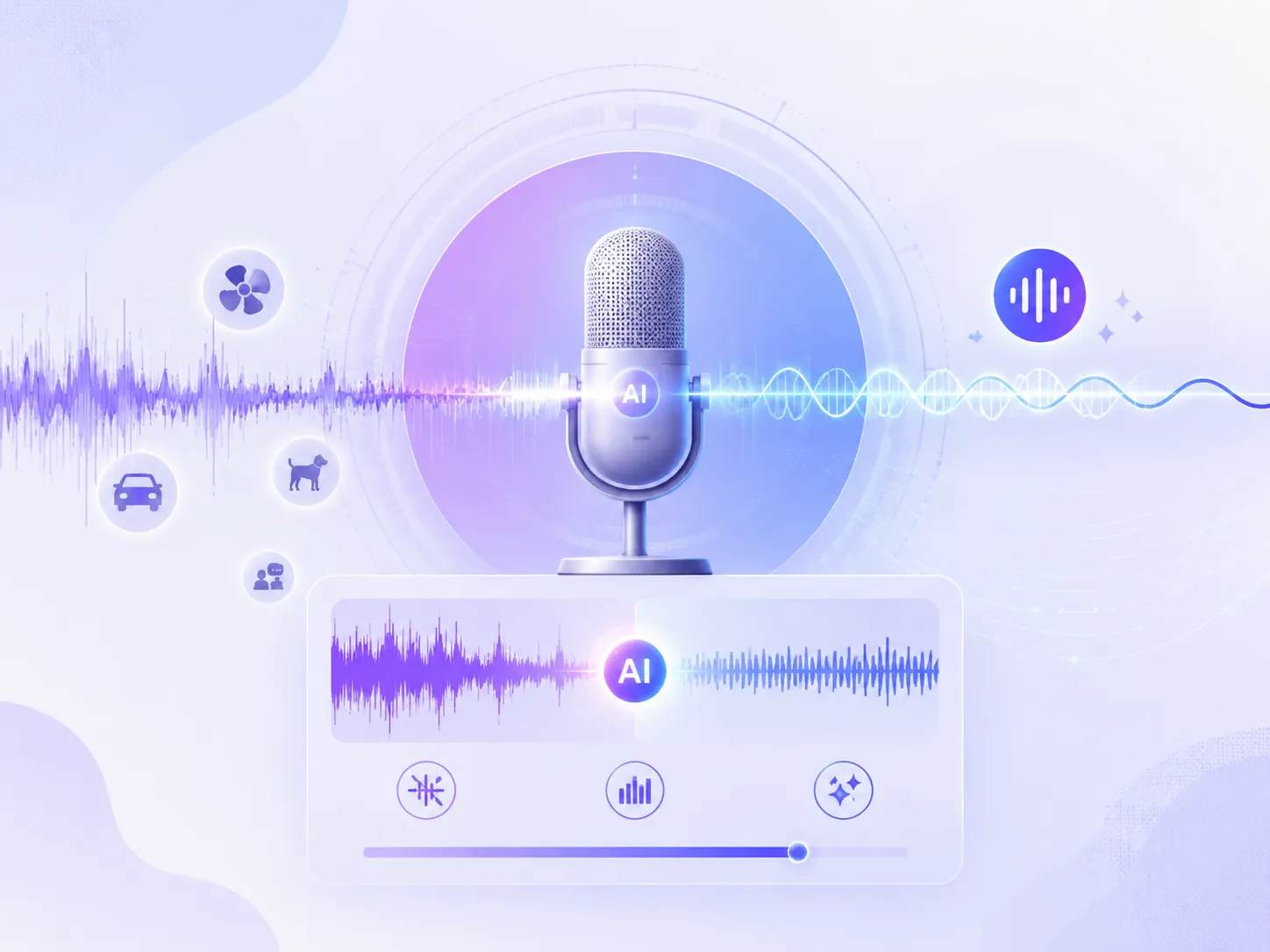
What Sounds Can Our AI Voice Cleaner Remove?
From background noise to unwanted sounds, our free AI voice cleaner removes different types of noise and improves your audio quality with one click.
Remove Background Noise
Cut out unwanted background sounds like traffic, air conditioners, and fan noise, so your voice stays clear and easy to hear in any recording.
Reduce Audio Echo
Reduce echo and reverb caused by large rooms or phone recordings, making online meetings, lectures, and voice recordings sound more natural.
Filter Breath & Mouth Noise
Remove distracting breathing, swallowing, and mouth sounds to give voiceovers, podcasts, and narrations a cleaner, more polished sound.
Optimize Device Noise
Ideal for streamers and video creators, our AI voice cleaner filters out microphone noise, keyboard clicks, and long pauses to make your recordings sound more natural and professional.
Instantly Clean Up Audio and Enhance Voice Clarity
AI voice cleaner helps improve your audio quality quickly, making voices sound clearer and more natural. It automatically detects speech and reduces distracting noise, helping your voice stand out from noisy or unclear recordings. No complicated editing skills are needed, just upload your file and get cleaner, more professional-sounding audio in minutes.
Try Background Voice Cleaner >>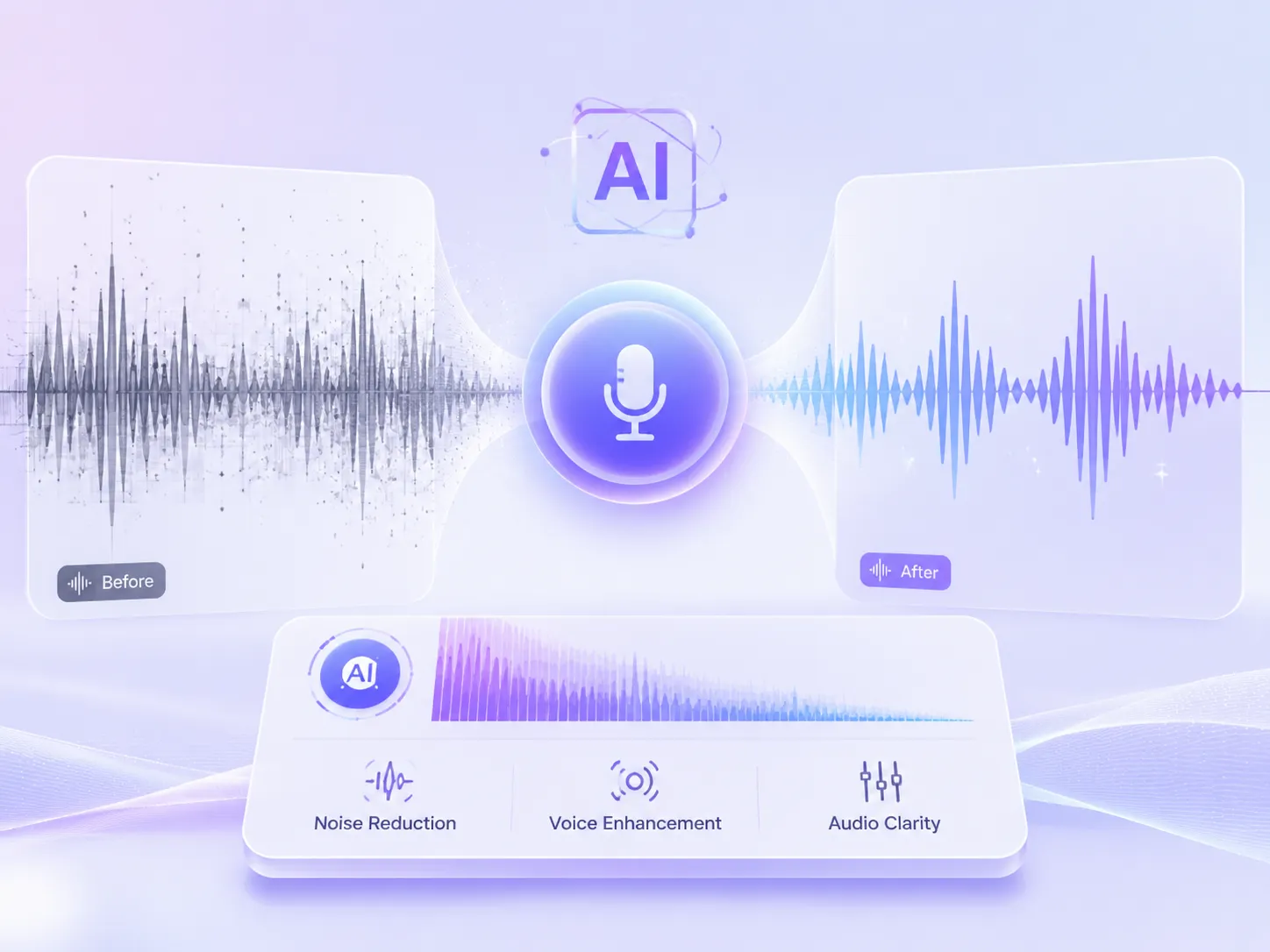
Remove Multiple Types of Noise with One Click
Audio recordings often pick up unwanted sounds from different environments and devices, making it hard to get clean results with traditional noise reduction tools. AI voice cleaner detects and reduces multiple types of noise at once while keeping your voice clear and natural. From podcasts to video recordings, it helps improve the overall listening experience with just a few clicks.
Enhance Your Audio >>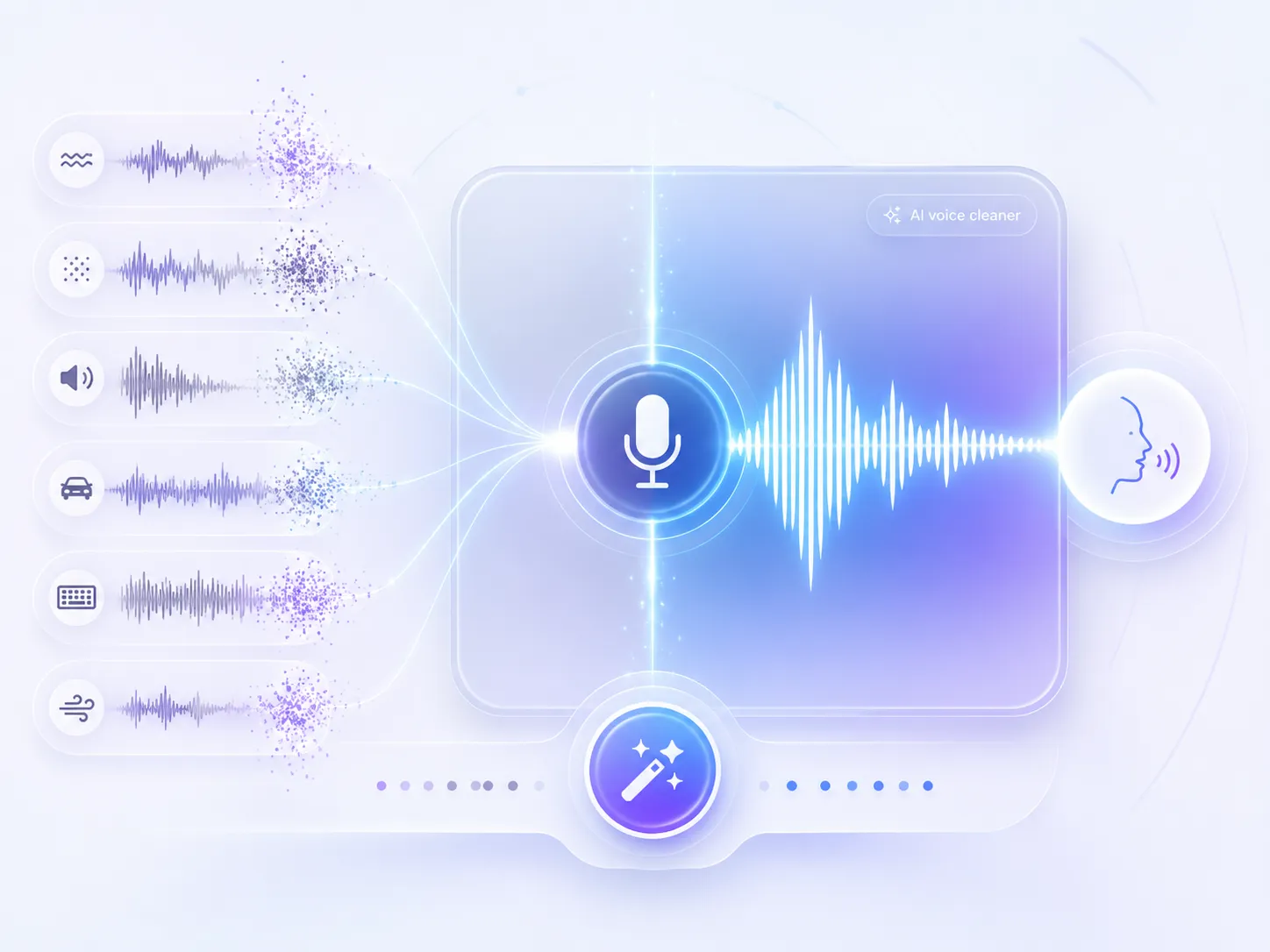
Customize Audio Enhancements for Different Content Types
For different types of audio, our AI voice cleaner provides tailored enhancement options to match your needs. Choose the right settings for your content and let AI optimize the audio accordingly. For example, it can remove stuttering from interviews or automatically balance sound levels, helping you get audio that fits your specific use case.
Clean Vocie Online with AI >>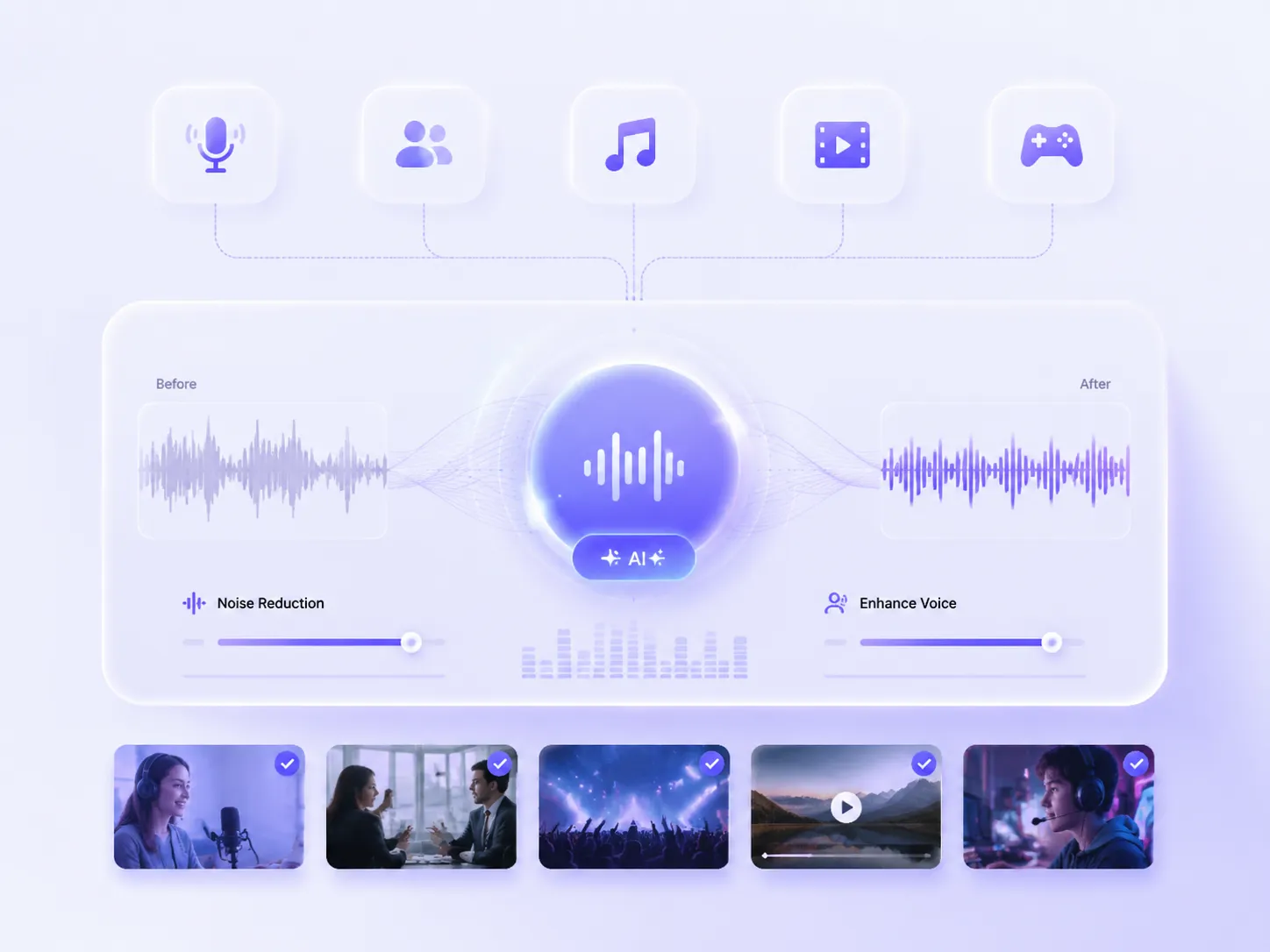
How Does Our AI Voice Cleaner Work?
01
Upload Your Audio File
Upload the audio file you want to clean up. Common formats like MP3, WAV, and MOV are supported. You can also click Audio to start recording directly.
02
Choose Enhancement Options & Content Type
Pick the audio enhancements you need, such as Remove Stuttering or Auto EQ, then select your content type. AI will optimize your audio based on the type of content for better results.
03
Get Your Enhanced Audio
Click generate, and our AI voice cleaner will automatically clean up your audio and export it in the original file format.
AI Vocie Cleaner FAQs
Have any questions while using our AI voice cleaner? Feel free to contact us by email, and we'll be happy to help.