
Original00:00 / 00:21
Backing Track00:00 / 00:21
Vocals00:00 / 00:21
Separate vocals and music from any song with our free AI vocal remover. Remove vocals and extract individual tracks like drums, bass, and instruments to get the audio you need.
Upload an audio or video file to vocal remove
Supported formats: MP3, WAV, M4A, AAC, FLAC, MP4, MOV, AVI, MKV, WEBM, up to 100 MB
For ordinary users, manually separating vocals is complicated and requires a certain level of learning. That's why our free AI vocal remover allows you to quickly remove vocals from any song without any experience and extract clean instrumental tracks. Make every song reusable according to your needs.
Try Vocal Remover Online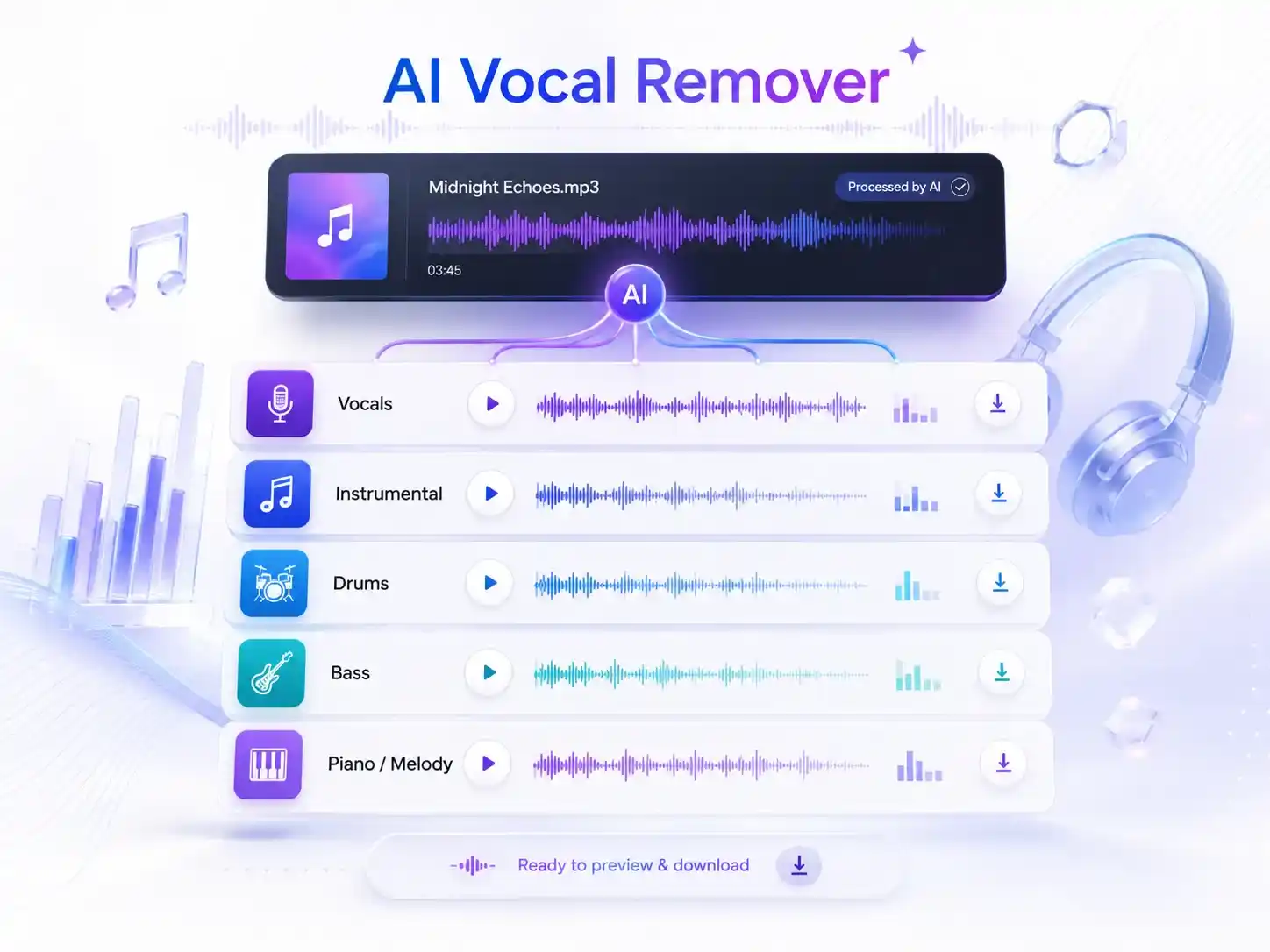
No need to worry about distortion, unwanted noise, or lost details after processing. Our AI vocal remover online separates vocals while preserving the clarity of the original music as much as possible, delivering natural and clean audio results.
Keep the original song details while removing vocals from the track.
Separate vocals from music and create cleaner instrumental tracks.
Reduce unwanted noise and distortion during the audio separation process.
Get clear and natural audio files ready for playback, editing, and creative use.
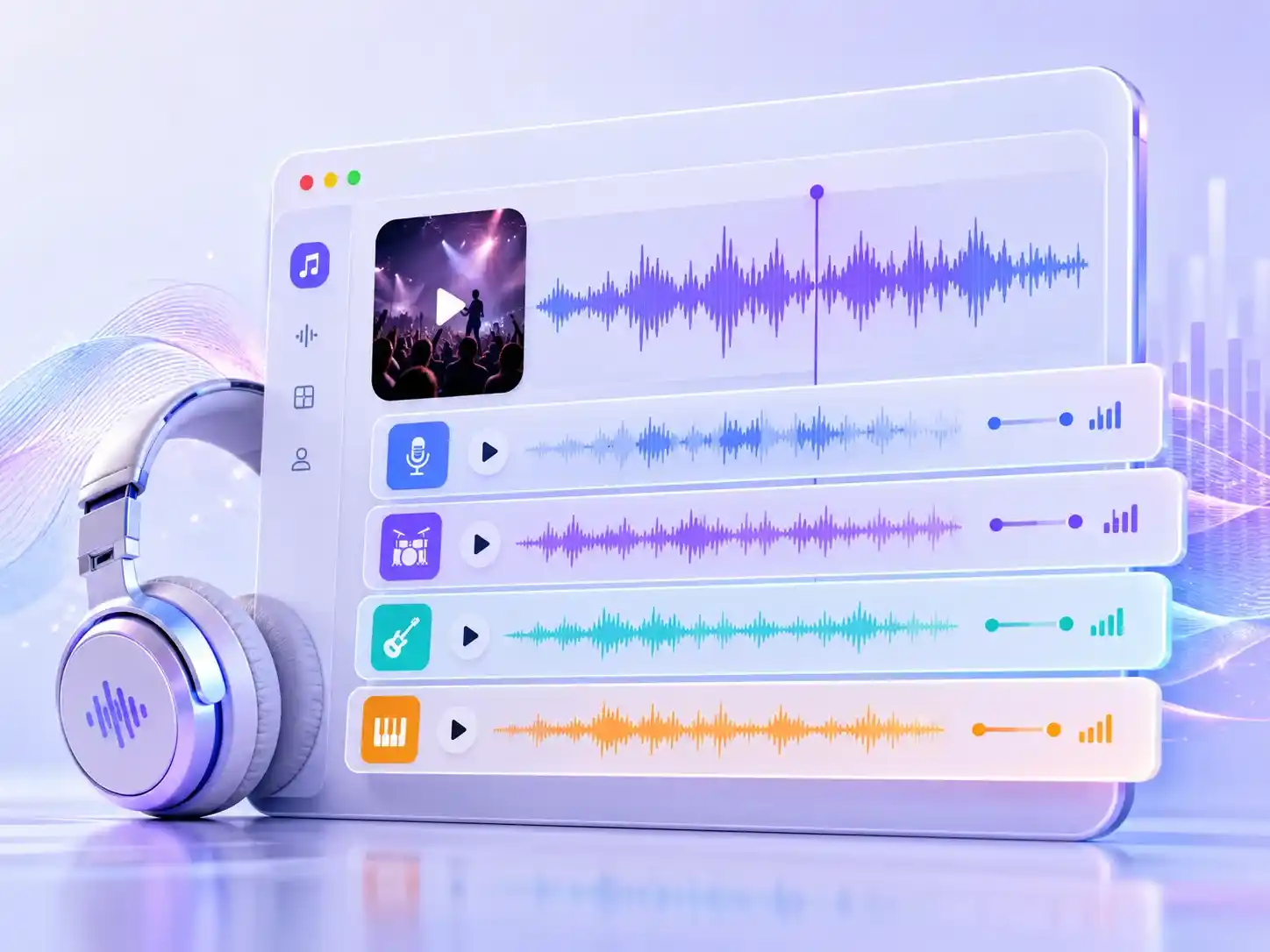
Traditional audio editing tools make it difficult to extract individual parts of a song. With our AI vocal remover, you can easily separate vocals, drums, bass, and other instruments, allowing each track to be used independently for more creative purposes.
Remove vocals from songs and create clean backing tracks for singing.
Isolate vocals or instruments to help with singing and music learning.
Use separated tracks to create remixes, edits, and new music projects.
Extract audio elements for videos, covers, and other creative content.
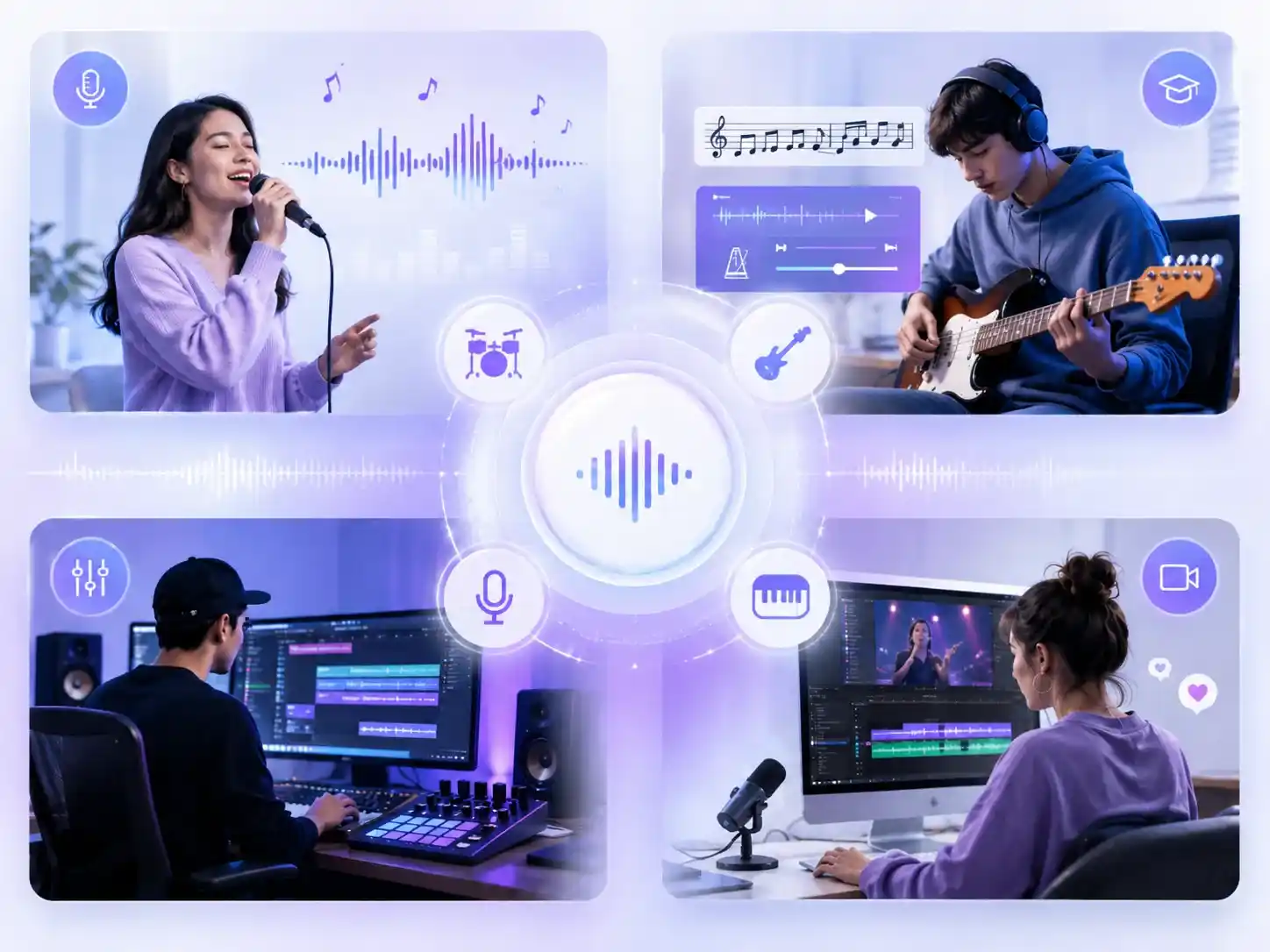
No need to convert files before processing. Upload music videos, audio files, or other common formats directly to our AI vocal remover and quickly get the results you need with a secure and smooth experience.
Upload MP3, MP4, WAV, and other common formats without converting files first.
Start removing vocals instantly without creating an account or extra steps.
Finish vocal removal in just 5-7 seconds and get your audio tracks quickly.
Keep your uploaded files safe while processing your audio content online.
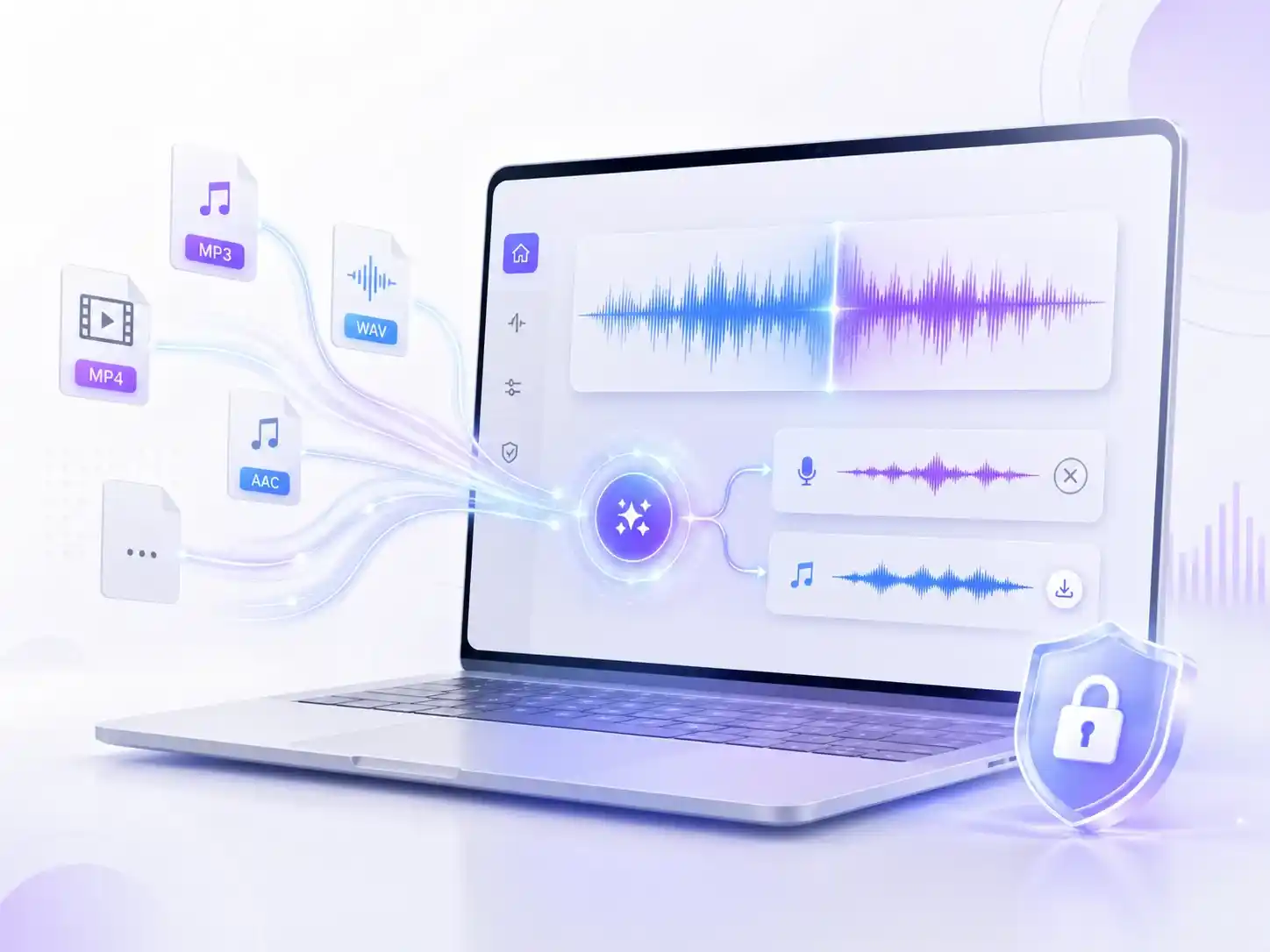
From creating karaoke tracks to editing audio, AI vocal remover helps different users easily separate vocals and instrumental tracks from songs.
Extract the sound elements you need from your favorite tracks to study the arrangement, fine-tune different sounds, or combine vocals, drums, and other instruments into your own productions.
Add new ideas and rhythms to existing tracks by separating vocals and music elements. Whether you're making a Remix, Mashup, or preparing tracks for live sets, you can adjust each part more freely.
Create your own covers or practice vocals without having to search for the perfect instrumental version. Separate vocals and background music, then use the extracted tracks for recordings, performances, or video content creation.
No login required. Simply upload the song or audio file you want to process, and AI vocal extractor will automatically analyze the different sound elements within it.
Choose the separated tracks you want from the results, including vocals, instrumental, bass, drums, piano, or other individual elements.
Download the extracted tracks instantly after selecting the parts you need. You can use them for your own projects and creations. Please make sure you have the proper rights to use the audio.
If you have any further questions about our AI instrumental remover, please feel free to contact us.