
The process is very simple:
1.First: Drag and drop your video file (MP4, MOV, AVI, etc.) into the upload area.
2.Second: Click the "Start Extraction" button, and the system will process it automatically.
3.Finally: Once processing is complete, click the download button to save the file locally.
Extract Audio from Video Oline Free - No Sign-up
Extract audio from video instantly with our completely free AI audio extractor. Simply upload a video file or paste a video link to get HQ audio from video.
Upload a video file to extract audio
Drag video here or click to upload
MP4, AVI, MOV, MKV, QuickTime, M4V
Choose a video template
More Tools
Get Audio from Video Free Online | No Limits
Extract audio from any video in just one click, no need to download complicated software. With the free AI audio extractor by Audio Transcriber AI, you can separate audio quickly and easily in just a few simple steps.
Extract Music from Video Online for Free
Have you ever come across a great music video and wished you could extract just the audio so you could listen to it anytime, anywhere? With our free AI audio extractor, you can trip high-quality audio from any video in just seconds.
Extract Audio from Mp4 Now
Extract Sound from Any Format Video
Whether it’s MP4, MOV, AVI, or any other video format, or even just a shareable video URL. Our free tool can quickly extract audio from video with ease. No complicated operating steps, no wasted time. Just open the tool and get your audio in seconds.
Try Audio Download from Video Now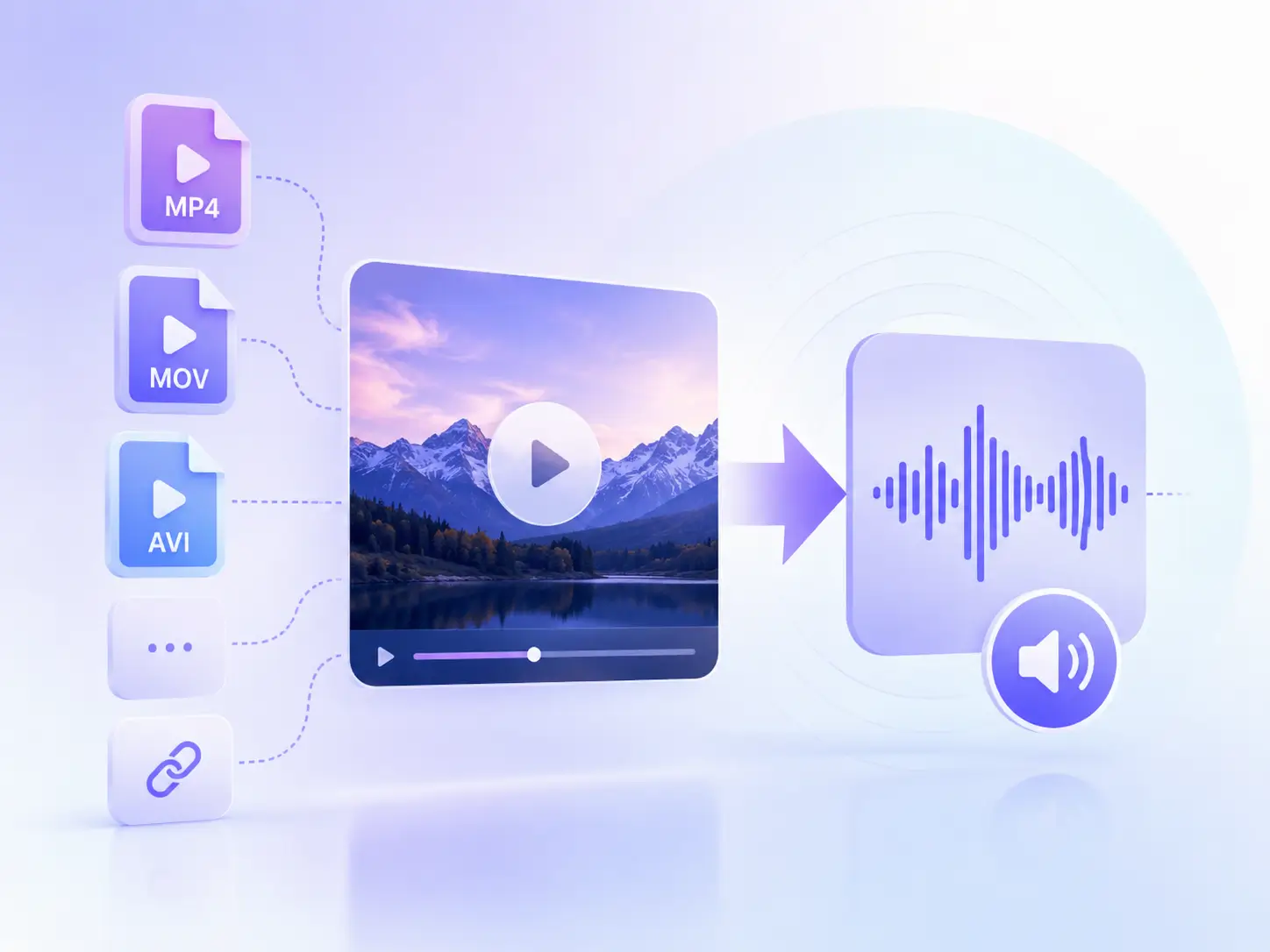
Why Over 2 M+ Users Choose Audio Transcriber AI's Audio Extractor?
Users choose the Video Audio Extractor for many reasons, including these six standout features.
Multiple Input Options
Upload MP4, MOV, AVI, and other video files directly, or simply paste a video URL to extract audio instantly with ease.
100% Free use
Extract audio from videos completely free of charge, no subscriptions, hidden fees, or usage limits.
Secure and Privacy
No account or login is required. All uploaded files are automatically deleted within 24 hours to keep your data safe and private.
Works on Any Device
Use the free audio extractor anytime, anywhere on Windows, Mac, Linux, iPhone, Android, tablets, and desktop devices.
No Installation Needed
Skip complicated software downloads and start extracting audio directly from your browser in just a few clicks.
Lossless HQ Audio Output
Enjoy clear audio extraction while preserving the original sound quality with no distortion or quality loss.
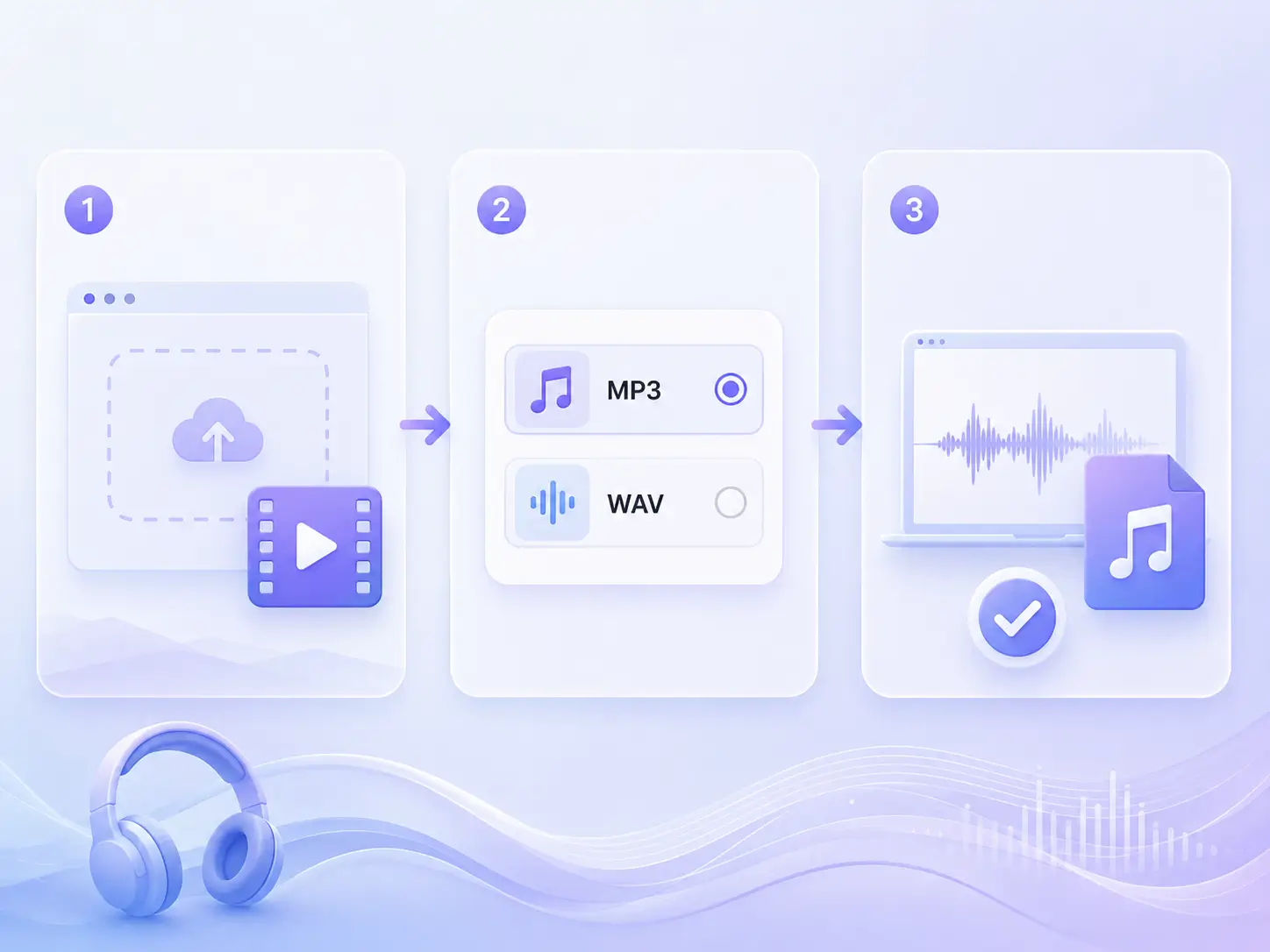
How to Extract Audio from Video?
1
Upload Your Video File
Drag and drop your video into the audio extractor or upload it directly from your device. Files up to 1G are supported.
2
Choose an Audio Format
Select your preferred output format for the extracted audio. MP3 and WAV formats are available.
3
Extract Audio Instantly
Click the “Extract Audio” button to extract audio from video automatically. Your audio file will be ready to download within seconds.
FAQ About Audio Extractor
Do you have questions about Audio Transcriber AI's audio separation tools? Check out these answers; if you still have questions, please contact our Support Center.