Yes. You can use it online for free with no sign-up or downloads required.
Free Online Speech to Text Converter with AI
Try the best speech to text online free tool to instantly turn your voice into accurate text. Ideal for meetings, note-naltaking, and hands-free typing. No downloads or sign-up required.
Upload an audio file or paste a direct audio link.
Supports files up to 100 MB in common audio formats for fast transcription.
Supported formats: MP3, WAV, M4A, AAC, FLAC
What Is Speech-to-Text Technology?
Our tool turns speech into text in real time, making it easy to capture lectures, meetings, and online classes. Powered by AI, it delivers fast, accurate, and reliable transcription for note-taking, summaries, and everyday use.
Try Speech to Text Free
Online Speech to Text Tool Use Cases
This tool helps you turn spoken content into clear, structured text, improving productivity across learning, meetings, and team collaboration.
Transcribe Lectures into Study Notes Instantly
Lengthy lectures and online courses can be difficult to review efficiently. Rewatching videos or replaying recordings is time-consuming and often makes it hard to capture key points. With online speech to text tool, you can skip pausing, rewinding, and manual note taking, instantly converting long lectures into clear, structured notes that help you grasp the core ideas faster.
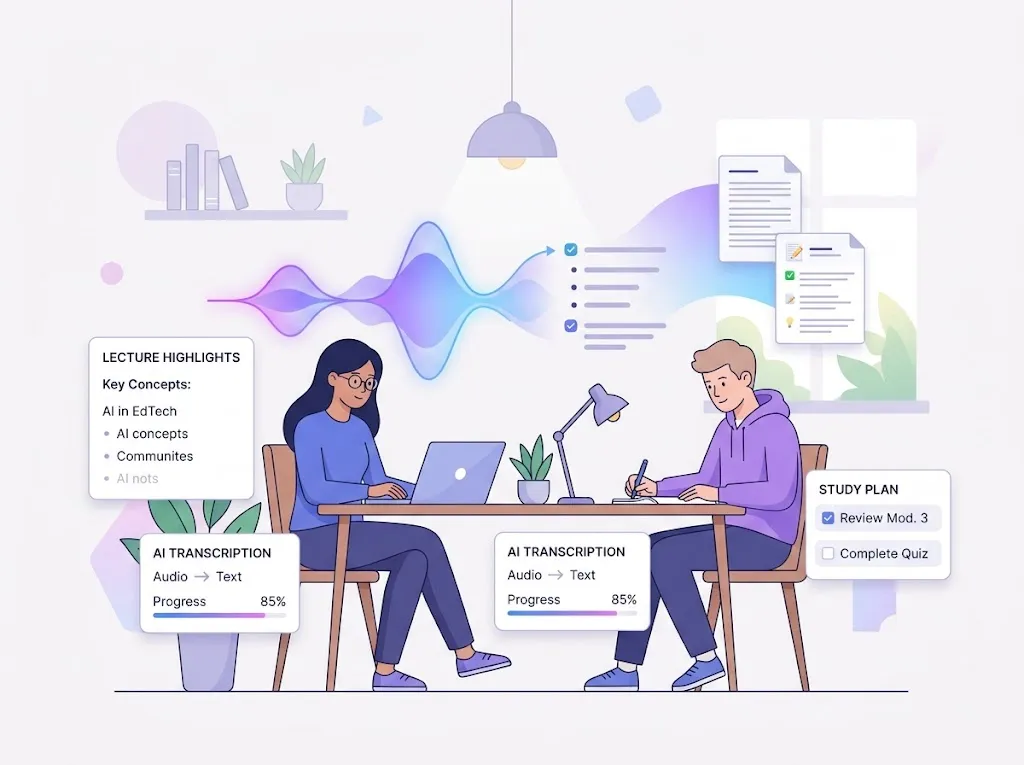
Turn Lectures into Notes with Speech-to-Text AI
Speech to Text AI for Business Meetings
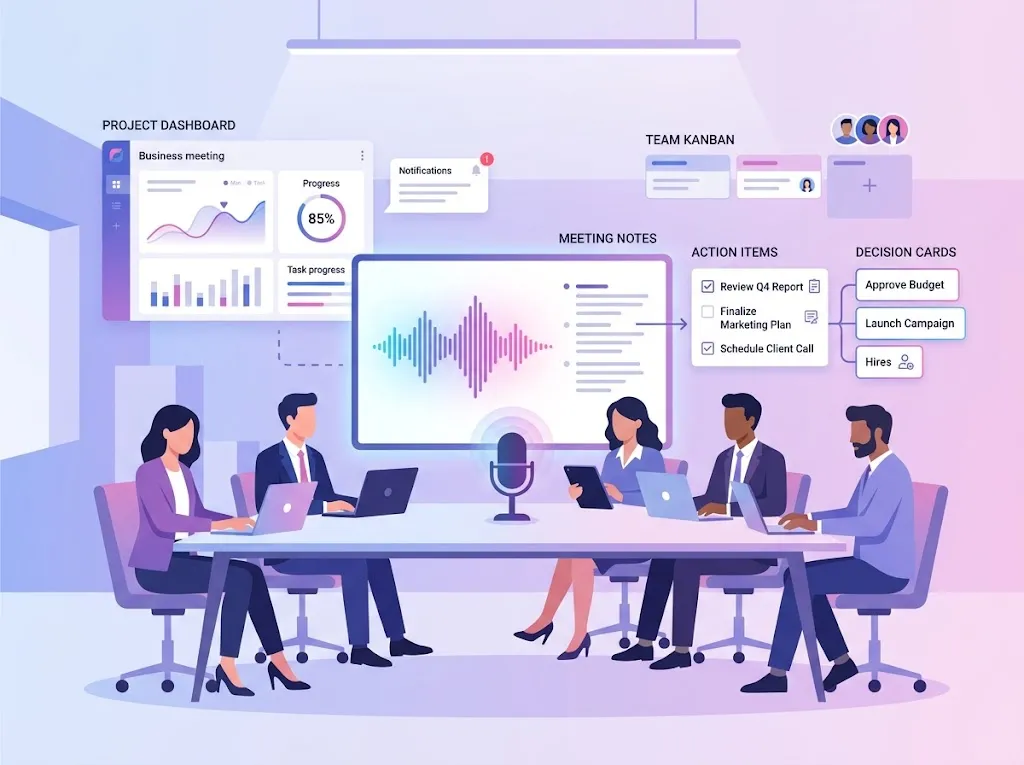
Instantly convert meeting audio into text transcripts with a single click, ensuring that no critical details are overlooked. This online speech-to-text tool helps clarify key decisions, action items, and deeper insights generated during meetings. It enables your team to focus squarely on execution while providing robust support for subsequent follow-ups and reporting tasks.
Transcribe Meetings Recordings to Text
Convert Group Discussion Voice Notes to Text with AI
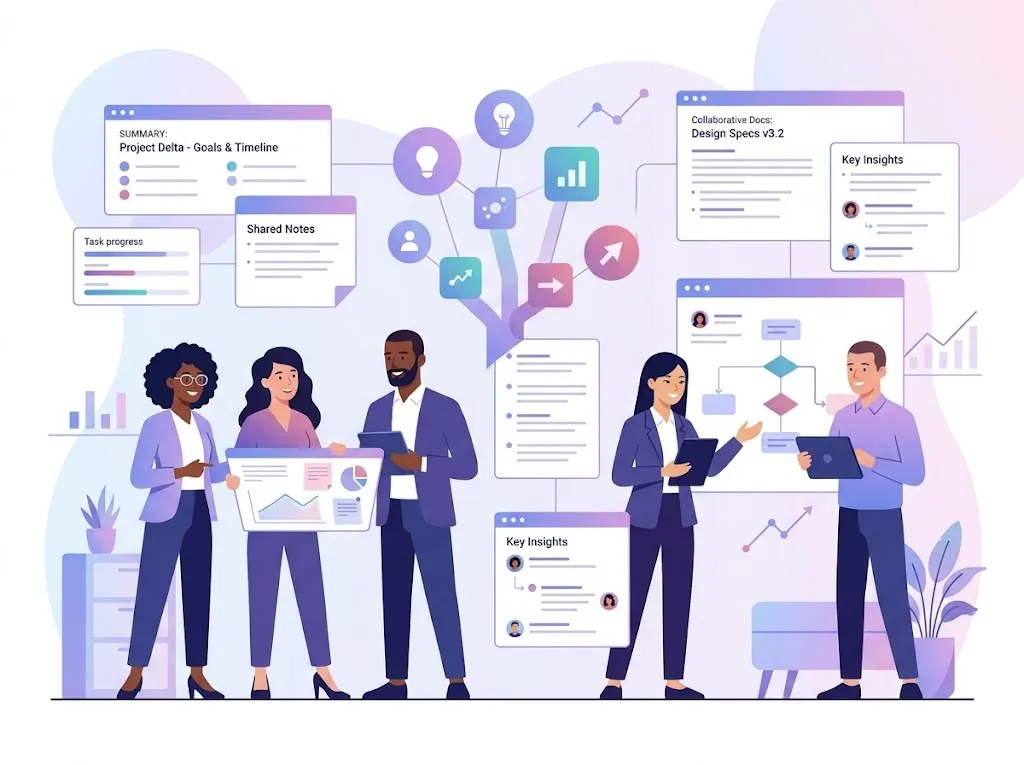
Group discussions and brainstorming sessions often generate a wealth of diverse ideas, yet these insights can easily be forgotten or overlooked once the meeting concludes. By utilizing a free speech to text converter, spoken ideas from these live sessions can be transformed into structured text, ensuring that every contribution is fully captured, properly organized, and readily available for future review.
Try Free Speech to Text Converter Now
Why Choose Our Speech to Text Converter?
Convert your speech into text instantly with our tool. Fast, accurate, and completely free, it’s one of the best speech to text free solutions for meetings, lectures, and team discussions.
Multi-Language Support
Supports over 150 languages and accents for global use.
High Accuracy
Converts speech to text with up to 99.7% accuracy.
No Downloads or Installation
Start transcribing speech to text online instantly, directly in your browser.
Free & No Sign-Up
100% free to use with no limits or account required.
Privacy & Security
Your audio is completely private and never shared.
Handles Large Audio Files
Upload audio up to 1GB for meetings, lectures, or podcasts.
How to Convert Speech to Text Online?
You don’t always want to sit through long recordings just to find the key points, so here’s how to use speech to text online in just a few simple steps.
1
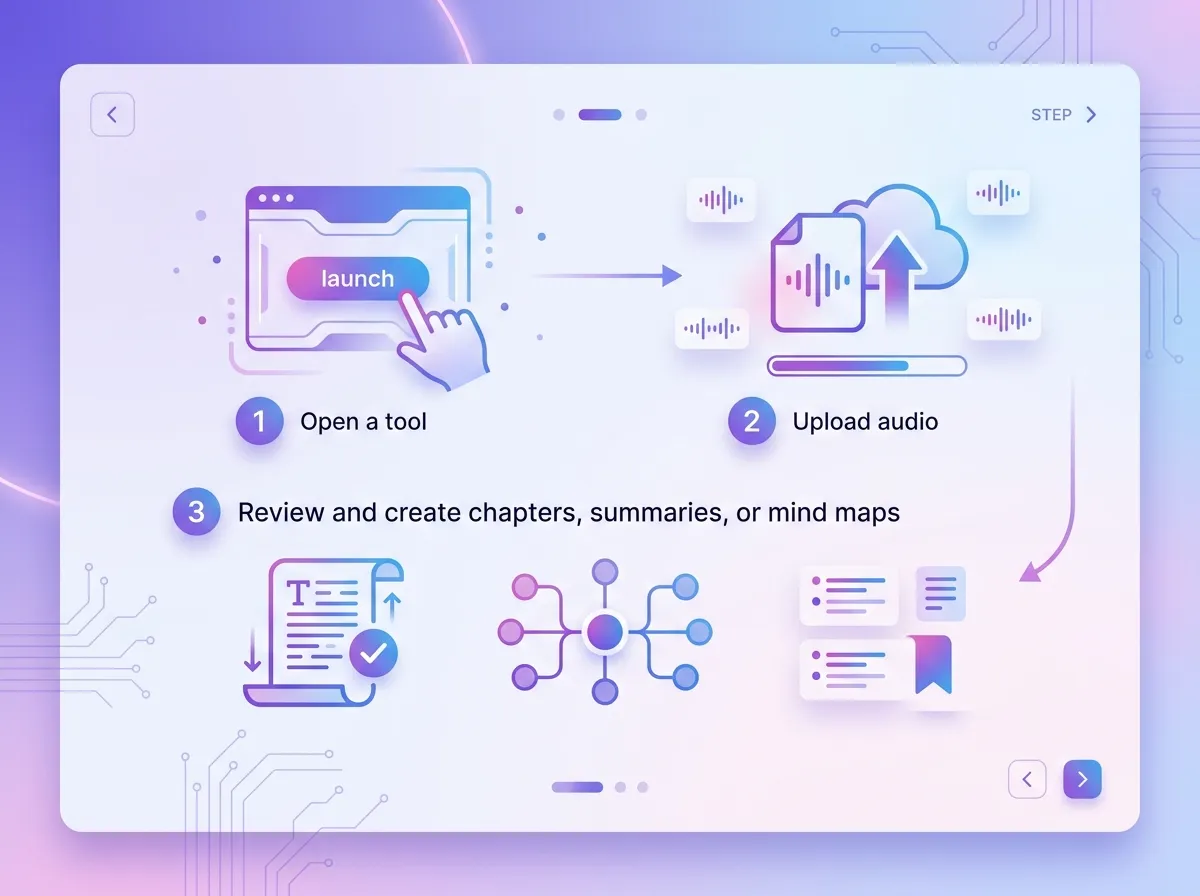
Step 1 — Open the Speech to Text Tool
No sign-up required. Access the free speech-to-text tool online and get your audio file ready.
2
Step 2 — Upload Your Audio
Choose your recording and upload it to the platform. Supported formats include MP3, WAV, M4A, AAC, and FLAC.
3
Step 3 — Review and Use Your Text
Your transcription appears in seconds. Review and refine it, then use it to create chapters, summaries, or mind maps—ideal for notes, reports, or study materials.

Why People Love Our Speech-to-Text Platform?
This tool is a lifesaver. I turned my lecture recordings into notes in no time—way faster than typing everything by hand.
Emily S.
University Lecturer
Super easy to use. I just uploaded my audio and got the text instantly. It makes taking meeting notes so much simpler.
James K.
Marketing Coordinator
I needed to transcribe a podcast in Spanish, and it handled it perfectly. It’s reliable and saves me a lot of time.
Ana P.
Podcast Producer
Frequently Asked Questions About Speech to Text
If you have any questions about using our speech-to-text tool, you can find helpful answers below.