
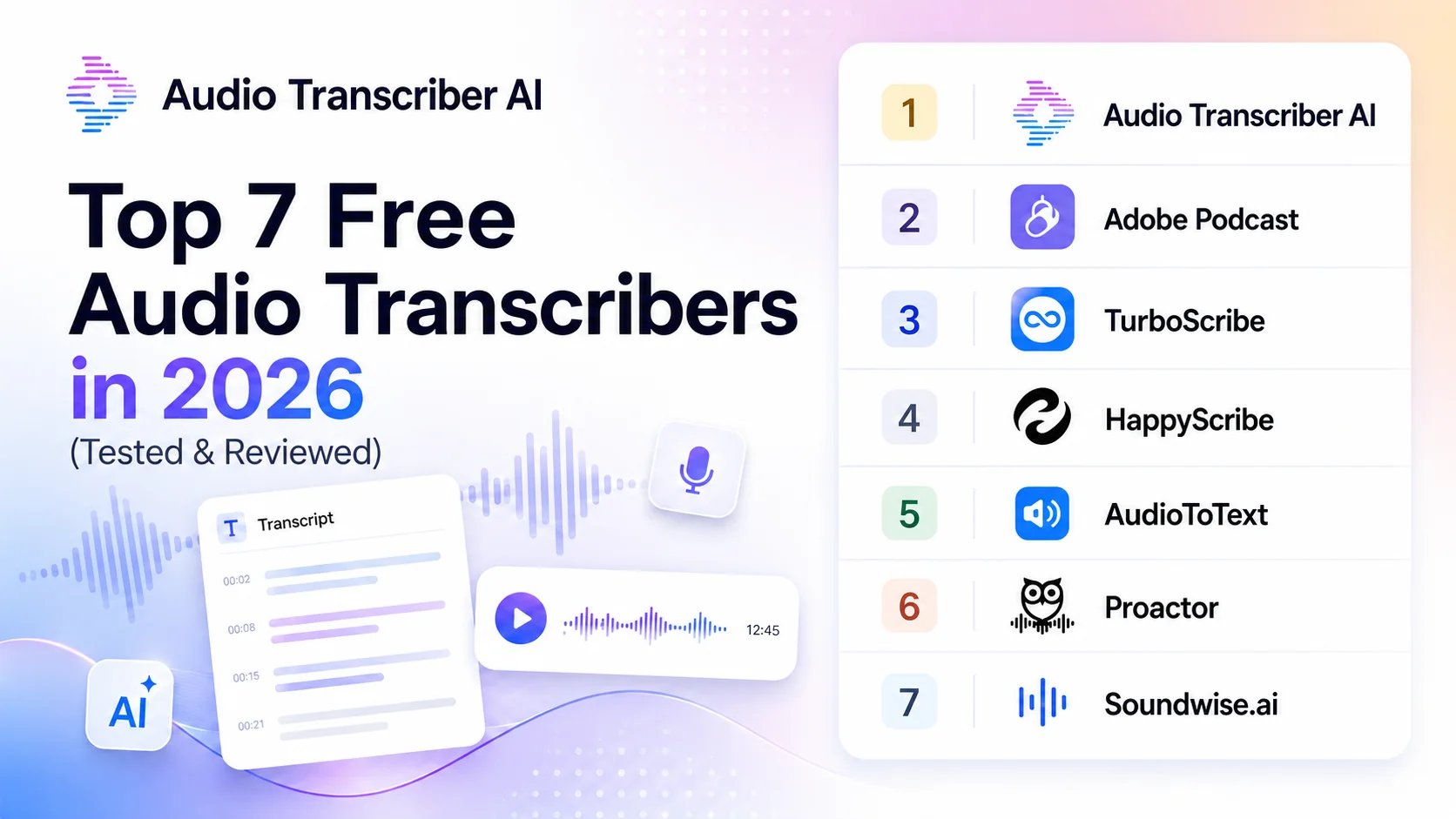
Top 7 Free Audio Transcribers in 2026 (Tested & Reviewed)
Choosing the right audio transcribers involves much more than simply converting sound to text. A good tool should genuinely improve your efficiency, handle complex acoustic environments with ease, be compatible with your preferred file formats, and provide convenient editing, summarizing, exporting, and repurposing.
We tested several mainstream tools and selected seven free audio transcribers. These cover a wide range of scenarios, including tools for daily transcription, podcast editing, long recordings, team workflows, live meeting notes, and local transcription. Whether you need to transcribe interviews, meetings, lectures, podcasts, voice notes, or video audio, this comparison will help you match the solution that best suits your workflow.
What to Look for in an Audio Transcriber
Before jumping into specific tools, it helps to know what actually separates a useful audio transcriber from a basic speech-to-text converter.
- Accuracy: Can it still produce readable output when the audio includes background noise, accents, or rapid speech?
- Speaker identification: This is especially important for interviews, meetings, podcasts, and multi-speaker recordings.
- Supported formats: A good tool should handle common formats such as MP3, WAV, M4A, and sometimes video uploads as well.
- Transcript usability: Timestamps, editing tools, and searchable text make a transcript much easier to work with afterward.
- Export flexibility: TXT may be enough for simple use, but DOCX, SRT, and other formats matter for more complex workflows.
- Pricing model: A free plan is not always the same as genuinely useful free usage.
Quick Comparison of 7 Audio Transcribers
| Top Audio Transcribers | Free Limit | No Login | Multi-language Output | Accuracy | AI Chat | Best for |
|---|---|---|---|---|---|---|
| Audio Transcriber AI | 100% free | ✅Yes | Yes | ⭐⭐⭐⭐⭐ | Coming soon | Daily users |
| Adobe Podcast | Limited | ❌No | Limited | ⭐⭐⭐⭐ | Limited | Podcast creators |
| TurboScribe | Limited | ❌No | Yes | ⭐⭐⭐ | Support | Meetings & interviews |
| Happy Scribe | Limited | ❌No | Yes | ⭐⭐⭐ | Support | Teams and enterprises |
| AudioToText | Limited | ✅Yes | Limited | ⭐⭐⭐ | In Pro plan | Lightweight transcription |
| Proactor | Limited | ❌No | Yes | ⭐⭐⭐⭐ | Support | Live meeting notes |
| Soundwise | Limited | ✅Yes | Yes | ⭐⭐⭐ | Limited | Free local transcription |
7 Free Audio Transcribers: The Deep Dive
Audio Transcriber AI
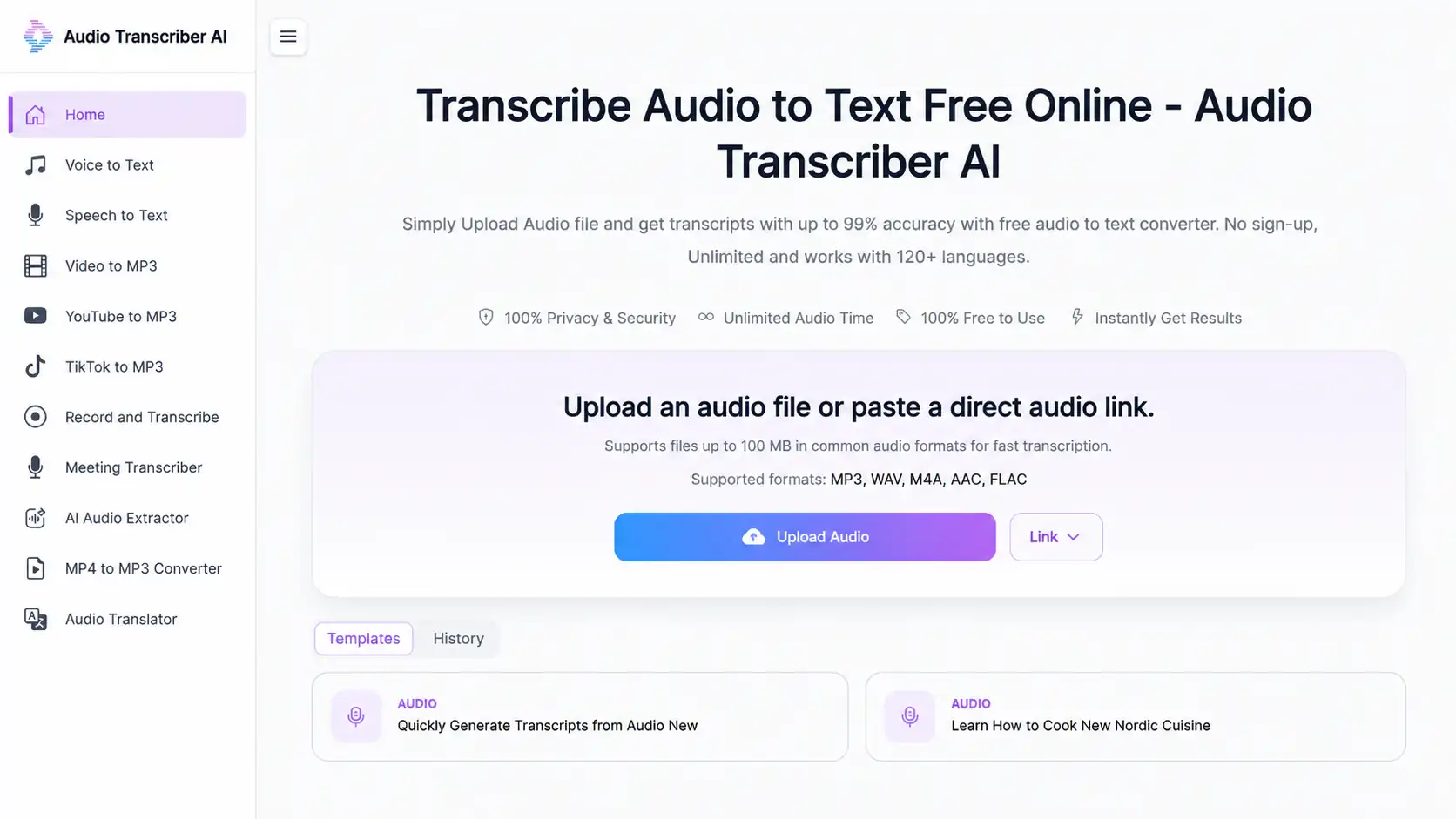
Audio Transcriber AI is an easy-to-use online tool. You can upload audio directly by opening a webpage, and it also supports real-time recording. No registration, installation, or complicated settings are required.
Pros
- Unlimited audio time
With no time limits and free use, it's very attractive for long meetings, long podcasts, course recordings, lectures, and interview transcripts.
- Multiple summary templates
It not only generates transcripts, but also helps users process audio content into more usable results such as mind-maps, notes, meeting highlights, and content drafts.
- Security is prioritized
All input data will be permanently deleted after 24 hours. Users retain ownership of their uploaded audio and generated transcripts. The platform only has temporary access to this content and states that it will not use user content to train models.
Cons
- Multi-language interface is not available
The website interface is currently available only in English, and a multilingual UI has not yet been launched.
- Limited team collaboration
Audio Transcriber AI currently focuses more on personal use cases, and it hasn't yet developed team capabilities, such as shared workspace, member invitations, team folders, and collaborative editing.
Pricing
- Free transcription, translation and export
- Unlimited video duration
- Unlimited files
Best For
- Content repurposing
- Recording transcription
- Personal learning
2. Adobe Podcast
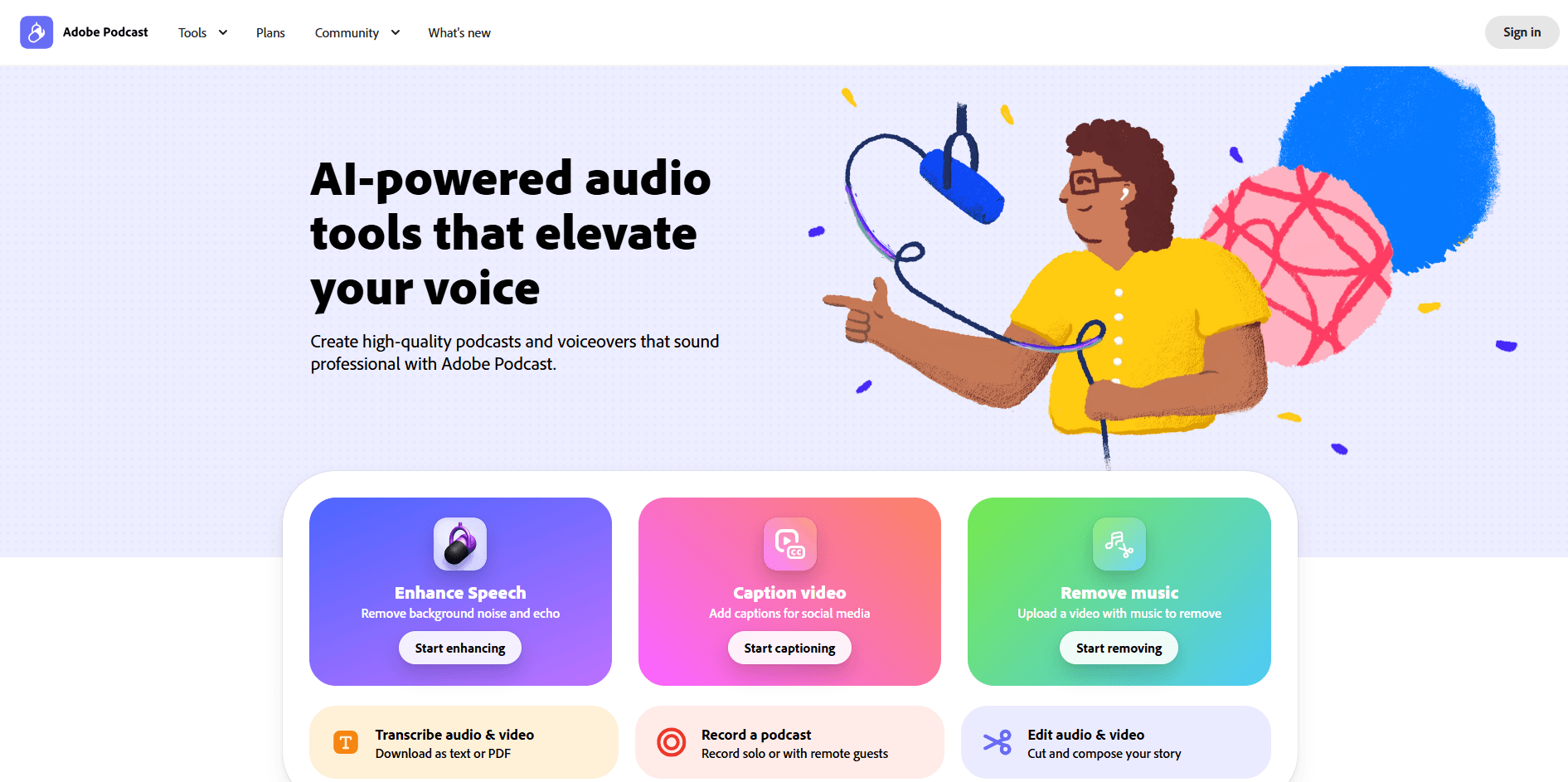
Adobe Podcast stands out for its fully interactive transcription capabilities, blurring the lines between text editing and media production. Users can navigate audio and video through scripts, correct errors in context, and extract precise segments to export as subtitles, audiograms, full video, or plain text.
The platform further simplifies the production process with word-for-word highlighting, 20 built-in voiceover templates, local music support, and AI-enhanced voice functionality. Collaboration is also incredibly convenient, allowing users to invite guests via shared links, while "remix" project templates allow others to copy and expand upon their work without altering the original source files.
Pros
- Word by word highlighting
Words are highlighted in sync as the audio plays, so users always know exactly where they are in the transcript. It’s a game-changer for digesting lengthy podcasts, lectures, or conference talks, letting users jump straight to the parts that matter.
- Audio enhancement and music support
The built-in Enhance tool sharpens voices, balances background noise, and supports local music or audio templates. The enhanced audio boosts transcription accuracy.
- Select transcript and export clip
Users can select any transcript snippet and export it as a standalone clip. Multiple export formats supported.
- Remote recording
Adobe Podcast allows you to record remotely with others. Each participant’s audio is captured directly in their browser and saved throughout the session, so recordings are protected even if someone’s connection drops.
Cons
- Limited multi-language output
Adobe Podcast does not generate or translate across different languages. Users must use more translation tools for tasks like English-to-Chinese transcription.
- Manual speaker detection
If users don’t select the detect speakers option, the transcript will default to a single speaker. It's problematic if the user doesn't know how many speakers there are.
Pricing
- Free plan:
30 minutes max duration (up to 500 MB), 1 hour max per day, 2 projects per day
- Premium plan (30-day free trial):
$9.99/month; $99.99/year
Best For
- Podcast transcription
- Remote interview recording
- Audiogram creation
TurboScribe
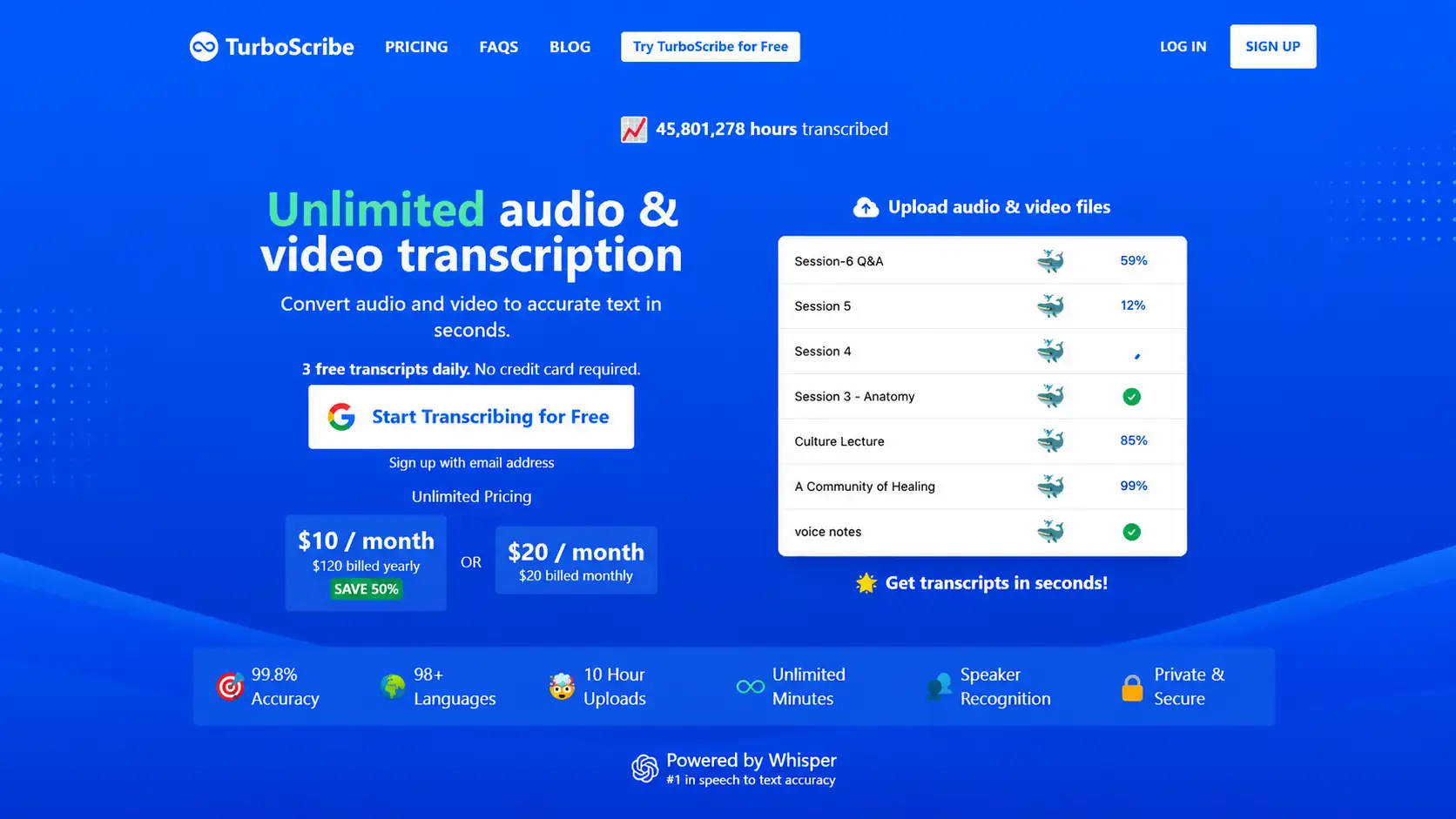
TurboScribe is ideal for large-scale transcription because it supports single-file transcription up to 10 hours/5GB, up to 50 files at a time, and offers unlimited transcription, batch export, unlimited storage, and highest priority processing.
It provides three modes: Cheetah, Dolphin, and Whale, emphasizing speed, balance, and accuracy respectively. Users can choose the faster draft transcription or the more accurate transcription suitable for formal content based on the content type. Compared to tools more geared towards creative editing, TurboScribe is more like a professional transcript workbench, with its core advantages being transcription efficiency, file processing capacity, export capabilities, and cost-effectiveness.
Pros
- Interactive transcript playback
Each section is time-stamped. The corresponding text highlights as the audio plays, so that users proofread while listening and jump instantly to any specific line.
- Privacy assured
TurboScribe’s security standards ensure that files and transcripts are encrypted at rest and transmitted via HTTPS/SSL, accessible only to the account holder; users' transcripts are not used to train AI. These are crucial factors for building trust when transcribing sensitive information.
- Built-in ChatGPT
The TurboScribe GPT securely connects to user's TurboScribe account and allows user to seamlessly summarize and chat with all of the transcripts.
Cons
- Free plan is limited
The free version allows you to transcribe only 3 files per day, with a maximum duration of 30 minutes per file, and you can upload only one file at a time.
Pricing
- Free plan:
3 transcripts per day
- Premium plan:
$20/month; $120/year
Best For
- High-frequency transcription users
- Meeting and interview transcription
- Multilingual content teams
4. HappyScribe
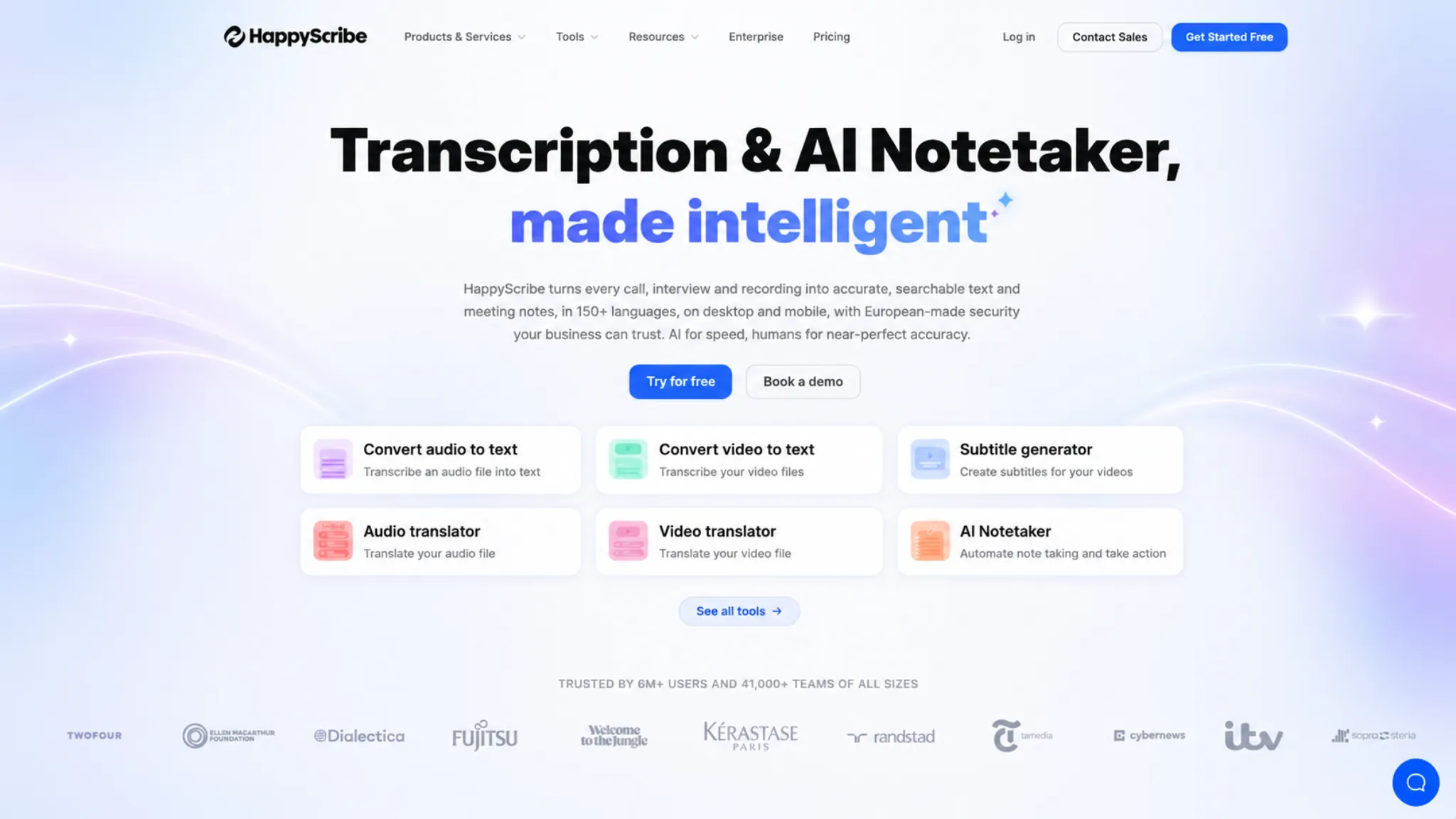
As HappyScribe notes, you can record meetings, lectures, and voice memos directly on your phone and use AI to transcribe them into text in over 150 languages. This AI Notetaker can join your Google Meet, Zoom, and Microsoft Teams calls, allowing you to focus on the meeting itself without the distraction of taking notes; it also supports offline recording, syncing and making the content available once you are back online. You can try it out using the free allowance before opting for a pay-as-you-go plan or a subscription service.
Pros
- Mobile recording & sync
HappyScribe offers iOS and Android apps that allow you to record meetings, lectures, interviews, and voice memos on your phone, then sync them to your workspace for further editing and export.
- Enterprise and team positioning
It offers features such as workspaces, member invitations, SSO, SOC 2 compliance, and GDPR compliance, indicating that the product is geared towards professional teams and collaborative enterprise workflows.
- Rich language and format support
It supports transcription in 150+ languages and handles a wide range of audio and video formats. Export options are robust, including TXT, DOCX, PDF, SRT, and VTT.
Cons
- First-time workflow is heavy
During the first run, uploading a 30MB video triggers a roughly two-minute processing wait. Users face mandatory login and a survey before seeing results. This creates a disjointed experience that dilutes the "Try Free" appeal for users wanting instant text output.
- Full results are locked behind payment
HappyScribe only shows the first 10 minutes of the transcript for free, and users need to click “Finish transcription” to complete the rest, which usually leads to a paid step or subscription flow.
Pricing
- Free plan:
- 10-minute free trial of AI Transcription
- 3 files/month with AI Chat
- Unlimited meeting recordings
- 45 minutes per recording
- Premium plan:
€17/month for basic plan, more for Pro and Business — all billed annually (with a 50% discount for annual billing)
Best For
- Team and enterprise workflows
- Interview transcription
- Translation and localization
5. AudioToText
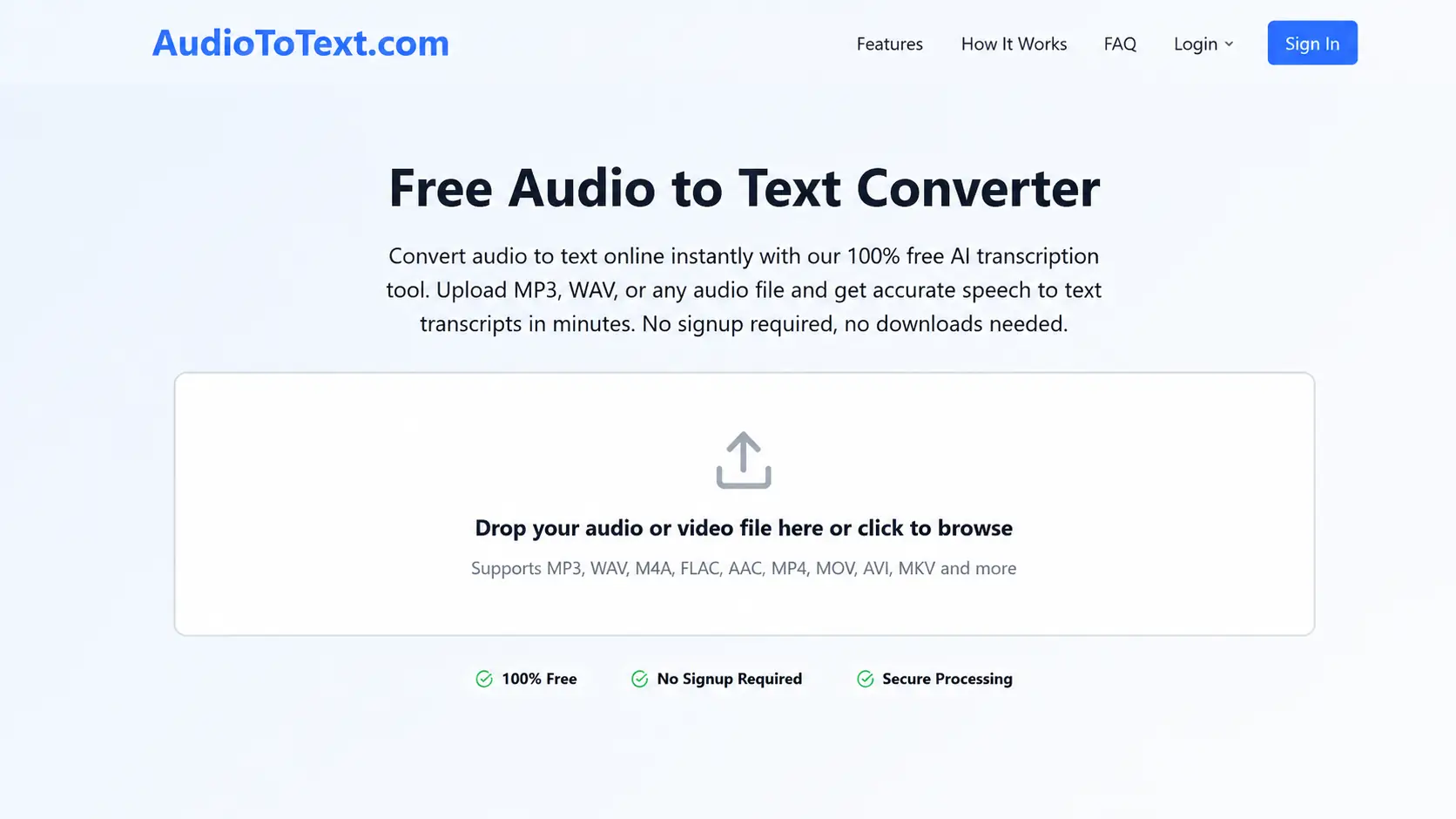
Users do not need to log in to AudioToText, and the upload process is straightforward—simply upload audio or video files via the dashboard and track processing status in the "Recent Files" section. The workflow is lightweight, requiring no prior understanding of complex project management or subtitle creation processes. When downloading, users can choose whether to keep the file intact or split it by speaker or paragraph, and can also opt to include timestamps and speaker labels.
Pros
- Low entry barrier
AudioToText highlights its free, no-signup access — just upload a file to start transcribing.
- Privacy messaging is clear
The privacy policy explicitly states that files are encrypted, automatically deleted after transcription, and that neither audio content nor transcripts are permanently stored.
- Multi-language interface
Supports around 10 interface languages, including English, French, and German.
Cons
- Multilingual support is limited
The interface supports multiple languages, but this does not equate to multilingual translation output. Therefore, it falls short for users requiring translations.
- Basic functions require Pro plan
Certain core features, such as transcript editing, downloading, and long-form summaries, are fundamental capabilities that users strongly expect. Placing them behind a paywall would negatively impact the experience for free users.
Pricing
- Free plan:
Free for transcription results
- Premium plan:
Lite: $9.99/month; $49.99/year for unlimited transcription, transcript editing & management
Pro: $19.99/month; $99.99/year for everything in Lite, plus AI Chat
Best For
- Lightweight transcription users
- Students and casual users
6. Proactor
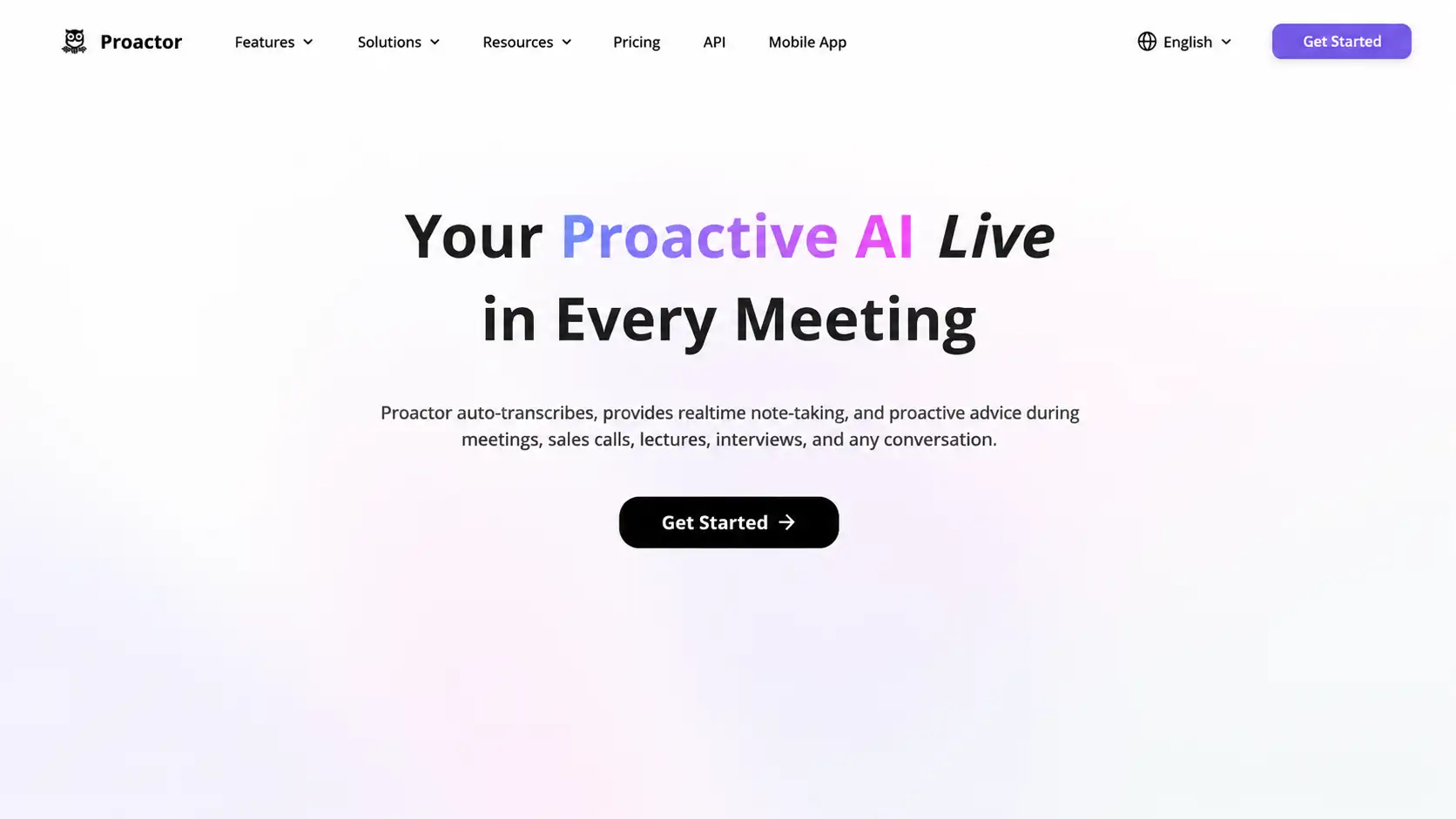
Proactor is more than just a real-time, proactive AI meeting assistant. It transcribes recorded conversations on the fly and generates summaries, key takeaways, to-do lists, and AI-driven advice. It also supports transcription via uploaded audio, video, and links with nine common audio formats, including MP3, WAV, FLAC, M4A, OGG, WEBM, AAC, WMA, and AIFF. Whether in meetings, phone calls, classes, or interviews, it proactively identifies tasks and offers suggestions, while transforming past interactions into a "memory" that allows for follow-up inquiries.
Pros
- Real-time meeting intelligence
Record conversations in real time via the microphone and automatically generate transcripts, real-time summaries, to-do lists, and key takeaways.
- Customizable AI output frequency
Users can adjust the generation frequency for the to-do List, live summary, and key takeaways in the settings, for instance, triggering them every 250, 300, or 550 words. This is a practical feature that allows users to control the pace of AI output based on the density of the meeting, and prevents information overload while ensuring key points aren't missed.
Cons
- Complex premium model
Proactor utilizes two types of quotas: recording time and AI credits; users need to understand which actions consume recording time and which consume credits. It would be best to clarify the consumption rules for advanced features such as AI advice, summaries, and chat.
- File upload has limits
Proactor indicates a maximum file size of 100 MB and a maximum duration of 1 hour per file. Long meetings, lengthy courses, or high-definition video files may exceed these upload limits.
Best For
- Live meeting notes
- Meeting-heavy professionals and teams
- Diverse audio formats
Pricing
- Free plan:
Daily 30 min/recording time plus 100 credits
- Premium plan:
Monthly: $19.99/month
Yearly: $99.99 yearly after 7-day free trial
7. Soundwise
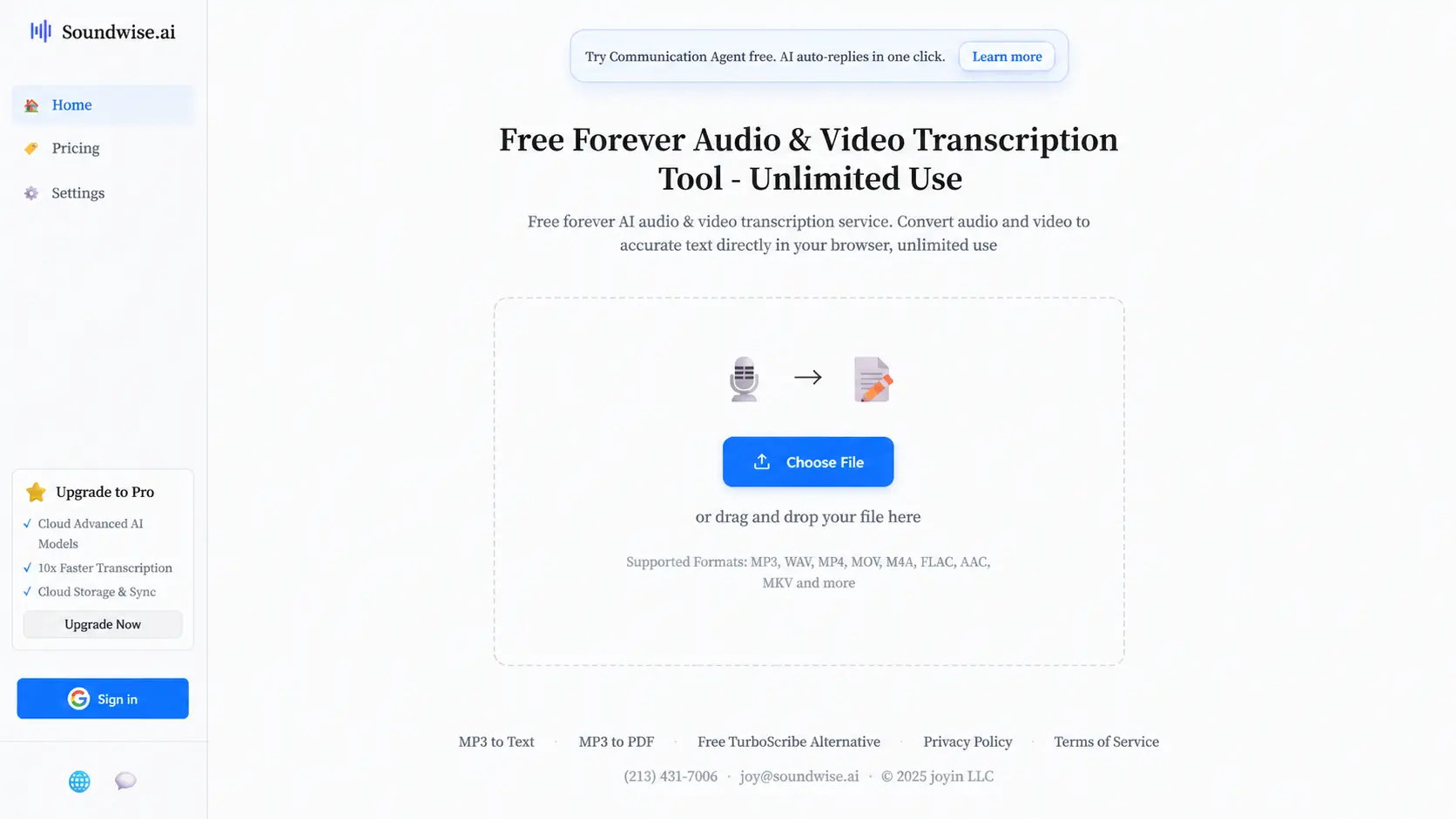
Soundwise offers a dual-engine approach: the free tier allows users to perform transcription using either the "Lite" or "Accurate" local models, with Lite being a lightweight option and Accurate offering higher quality. This local transcription process involves loading the model and processing audio or video directly within the browser or on the user's device. Meanwhile, the paid Pro shifts to cloud-based processing, prioritizing speed and enabling background tasks that persist even after the browser is closed.
Pros
- Free local transcription
The free version of Soundwise supports local transcription, making it suitable for users who want to process audio or video files at no cost. Users can choose between "Lite" and "Accurate" local models for transcription, without needing to rely on cloud services from the start.
- Simple workflow
Soundwise allows users to upload audio or video files directly without logging in and generates transcripts using local models. Users can start transcribing immediately upon visiting the homepage, making the process simple and straightforward.
Cons
- Export features are basic
The output primarily supports copying the transcript and downloading PDF or TXT files.
- Limited post-processing features
Once transcription is complete, there is a lack of comprehensive post-processing features, such as transcript editing, AI summary and translation.
Pricing
- Free plan:
- Unlimited local transcription
- Free lite & accurate models
- Premium plan:
- $20/month for cloud transcription
Best For
- Users who want free local transcription
- Light transcription users
FAQ:
What is an AI audio transcriber?
An AI audio transcriber is a tool that uses speech recognition technology to convert spoken audio into written text. You can use it to transcribe meetings, interviews, lectures, podcasts, voice notes, webinars, or videos.
How accurate is an AI audio transcriber?
The clearer the audio, the better the transcript. You’ll get top-tier accuracy from single-speaker tracks with low background noise and a steady, natural pace.
Can I use audio transcriber for free?
Yes, you can transcribe audio to text for free. If you want a free and simple starting point, Audio Transcriber AI is a strong option because it supports free transcription, with unlimited audio time, unlimited files, and multiple summary templates.
What is the best format to upload for transcription?
MP3, WAV, and M4A are usually the safest formats because they are widely supported by most audio transcription tools.
Is AI transcription safe for private recordings?
Before uploading sensitive audio, check whether the platform encrypts files, deletes recordings after processing, stores transcripts, or uses uploaded data for AI training.
Final Review: How to Choose the Best AI Audio Transcriber?
Different transcription tools are built for different workflows. The best choice depends on what you need most: free access, long audio support, team collaboration, podcast production, live meeting help, or local processing.
For daily use:
Choose Audio Transcriber AI: it is a free, no-signup tool with unlimited audio time, real-time recording, transcription, translation, export, and multiple summary templates. It is the most practical choice for users who want to start quickly without paying or creating an account.
For real-time and long meetings:
Choose TurboScribe and Proactor if you are willing to pay for a high-volume transcription workflow and need real-time transcription during meetings, calls, classes, or interviews.
For podcasts or short clips:
Choose Adobe Podcast if you want to edit audio or video through the transcript, export selected clips, create audiograms, add music, and invite remote guests to record.
For team workflows:
Choose HappyScribe if your work involves teams, subtitles, localization, workspace management, member invitations, and enterprise features.
For lightweight or local use:
Choose AudioToText for simple transcripts and basic downloads, or Soundwise for free local transcription in the browser.